Search history
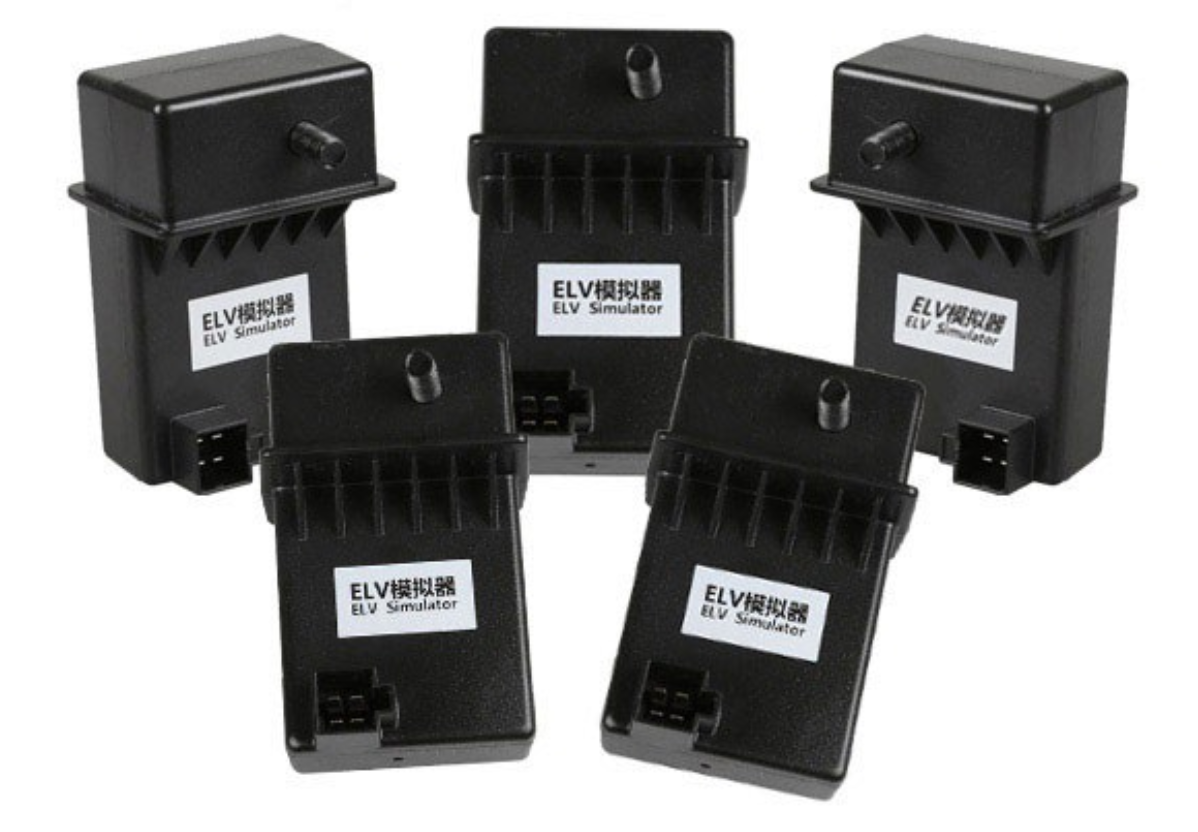



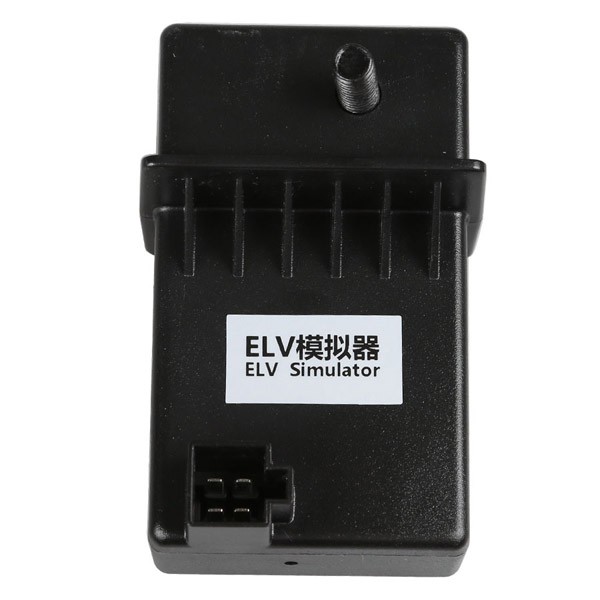
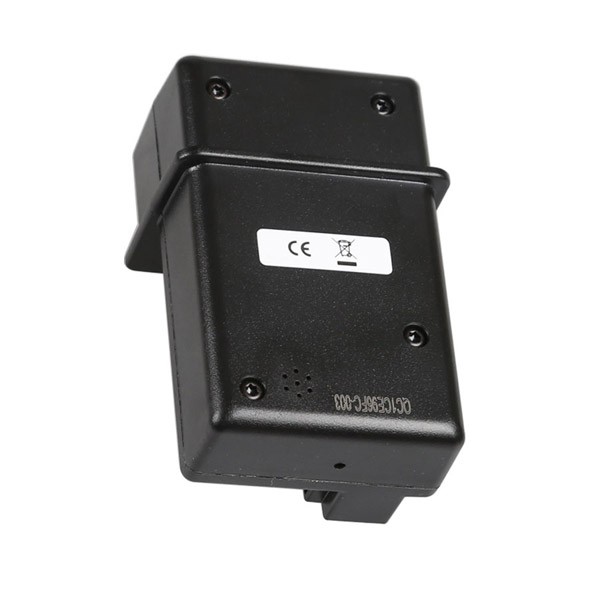
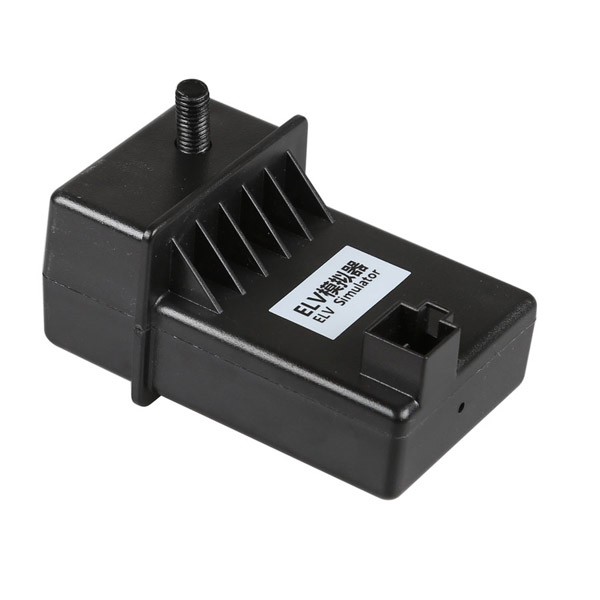
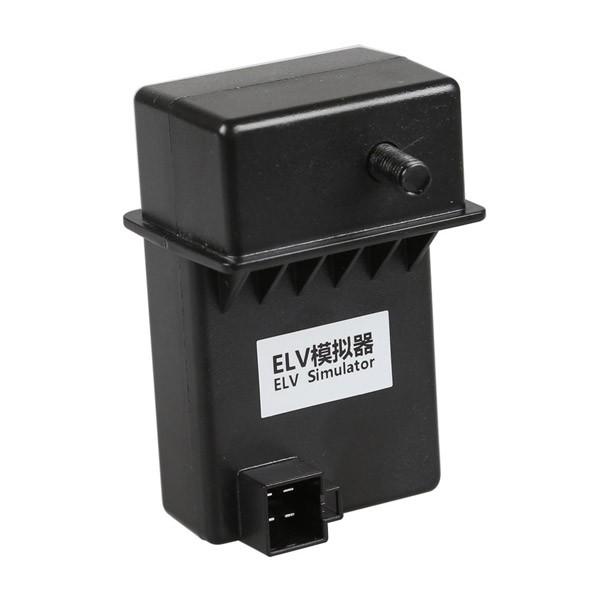
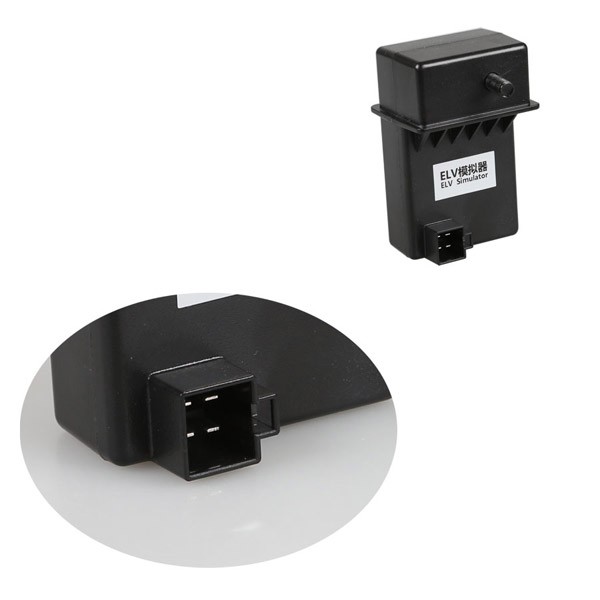
XHORSE ESL Emulator/ELV Emulator for Benz 204 207 212 works with VVDI MB tool. It is used if the ESL is damaged or NEC is locked.
How to replace ESL with VVDI MB BGA Tool?
Step 1.
Erase EIS, then re-write EIS and personalize ESL, finally, ESL is synchronized. Note: if you not erase ESL at first, but only personalize ESL, the ESL won’t be synchronized. To erase EIS, both Key password and Erase password are required. For the key password, you can get it by adding keys.
Now the EIS has been fully updated.
Step 2. Load EIS data
Tick «IR» to write EIS data and «OBD» to write VIN.
Step 3. Click «Personalize W204 ESL»
Step 4.
Now, the options «Initialized», «TP Cleared» and «Personalized» are ticked, except «Activated»
Insert the original car key then EIS and place ESL in the «Activated» status.
Finally, you can renew ESL with success.

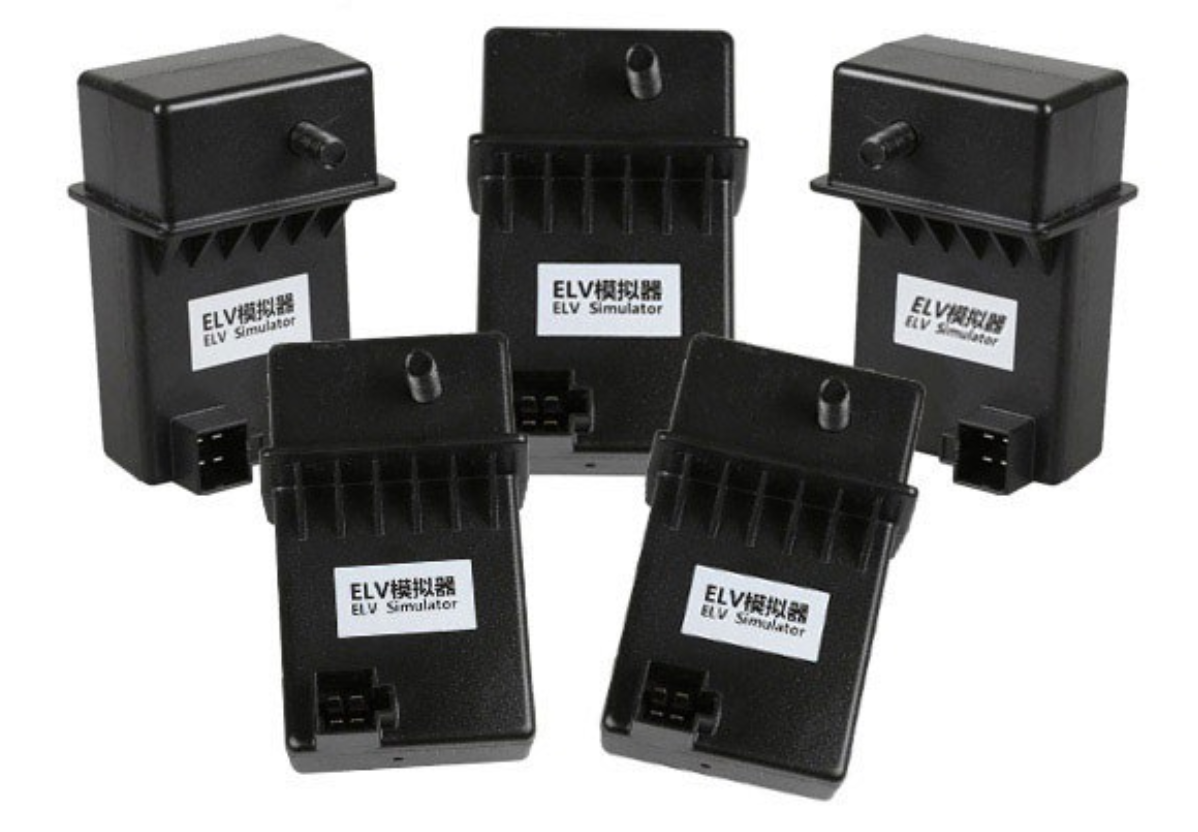
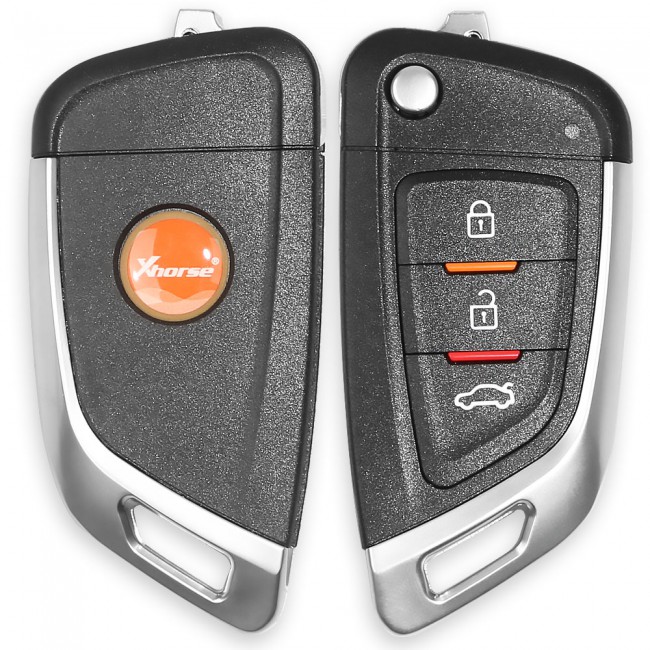 Xhorse Universal Remote Car Key with 3 Buttons for VVDI Key Tool
The tool supports generating or cloning by VVDI key tool and VVDI2
With 3 buttons;
No battery;
No blade.