Search history
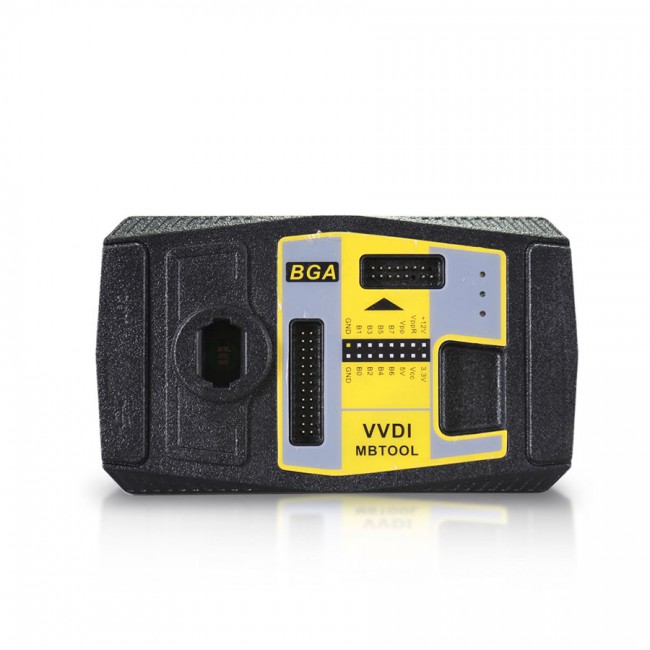


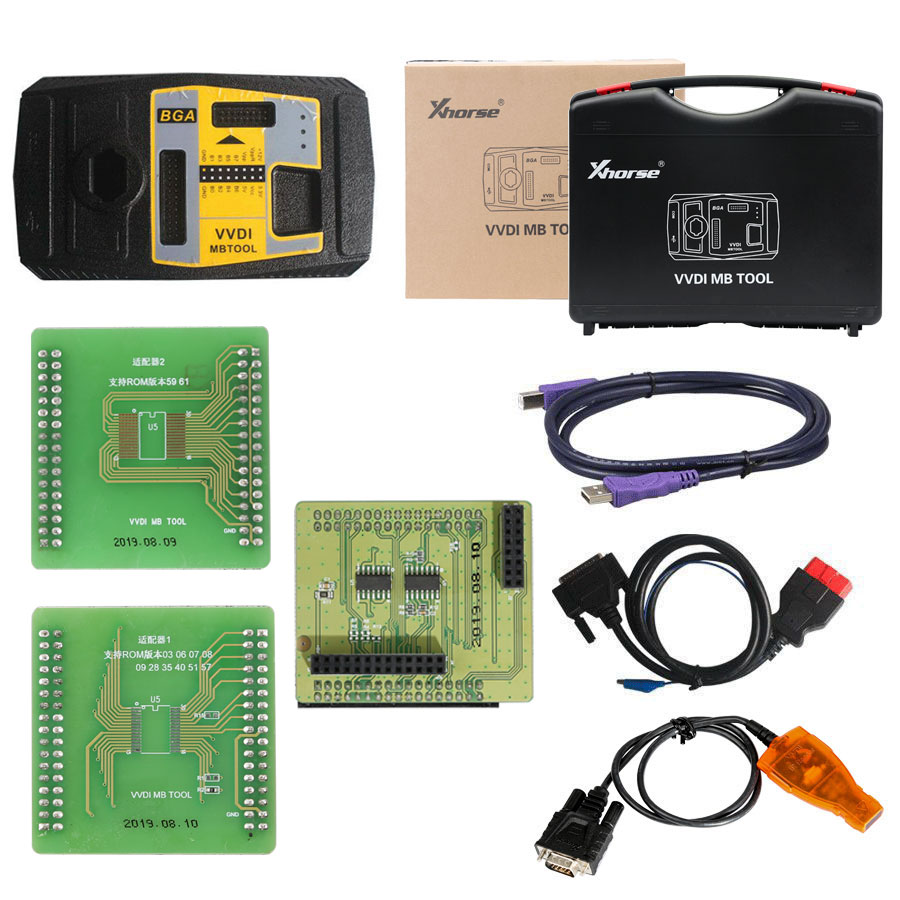
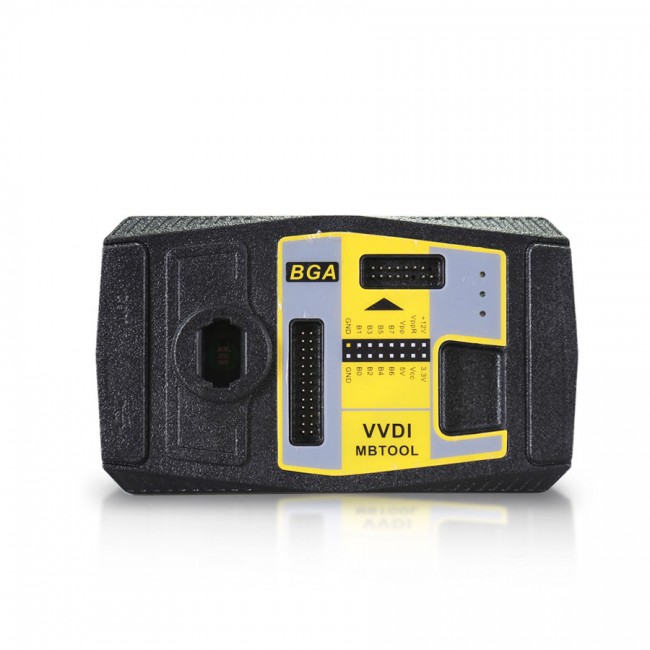
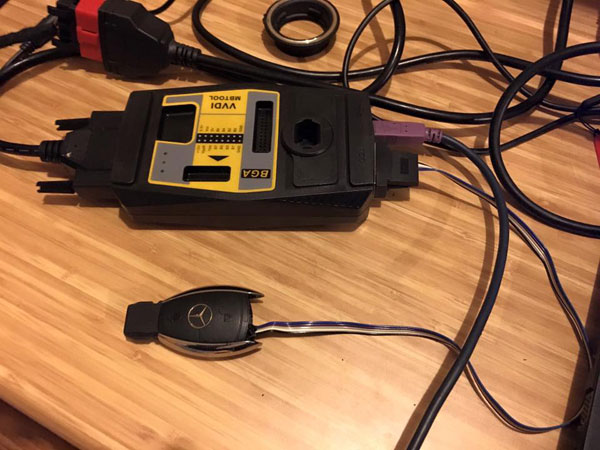
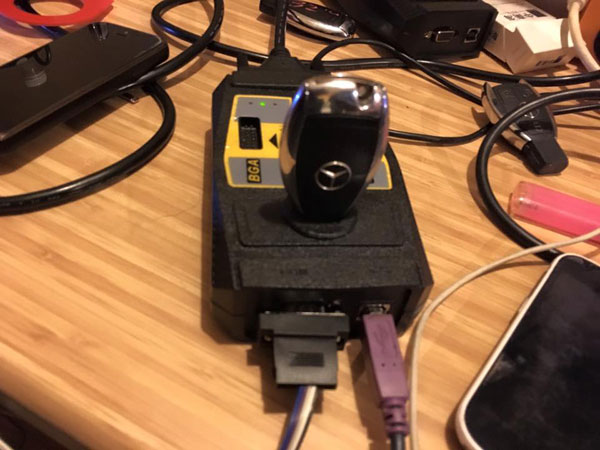
Original Xhorse VVDI MB BGA Tool Benz Key Programmer
Please note:
The one-year unlimited tokens start from the day when the factory made it.
VVDI MB Highlights:
1. Latest software version: V5.1.0, Requires firmware V5.0.1
2. Multi-language: English, Polish, Spanish, Chinese
3. It Supports Password Calculation Function. VVDI MB needs 1 token (2 tokens for all key lost). Other functions are free to use.
4. If you offer the serial number of Condor or Dolphin, your VVDI MB will have 1 free token per day.
5. If you have CONDOR XC-002, Condor Mini or Condor Mini Plus, your VVDI MB can have another 1 free token every day. If you have both Condor XC-mini/XC002 or Dolphin, your VVDI MB can have 2 free tokens per day.
6. Supports all keys lost: W166, W197, W212, W218, W246, W206, W210, w204, w207, W166, W203, W463, W639, W246, W212, W212 (old), some W216, W164 2009-, W164, W221, W215, W220, W230, W164 / W251 04–08 and some others.
7. Support FBS4 disable key function (Other functions -> FBS4 disable key)- Support W166 W205 W213 W218 W222 W246 type
Xhorse VVDI MB Tool Function:
1. Key Reading and Writing
2. Password calculation
3. ESL TOOLS
4. Gateway Reading/Writing
5. EIS tools
6. Key File Preparing
7. Program or Renew ECU / Gearbox / ISM
8. Unlock ELV function
9. Renew other control modules function
10. Reading/Writing CGW (ZGW), KM Repair
Model Support IR/OBD:
Keys version supported:
What keys/remotes are supported?
705 Moto1997–2000
NEC 2001–2005
NEC 2006–2010
BGA 2011+
VVDI MB Tokens:
3 ways to get VVDI MB tokens:
Xhorse will give you one token free every day.
Tokens are needed when calculating a Key Password (Internet connection required).
VVDIMB Update Log:
Latest version V5.1.0(2021-04-06)
2021-04-06
Require firmware V5.0.1
BENZ V5.1.0
1. Bugfix for write K-Line EIS
2. Bugfix for write ECU(272) VIN, only for test purpose
3. Add Setting option(Menu->File->Setting), support deactivate voltage limit function, Read password via IR
4. Bugfix
Software Update
This function requires internet support
Use «Menu -> Update Online -> Software Update» to obtain VVDI-MB TOOL latest software version, the software version requires firmware version etc.
Press Download Link will download the latest software
If there’s no display for the software version, shutdown your firewall and antivirus programs, try again.
Update firmware steps:
1) Connect VVDI — MB TOOL to PC with the USB cable;
2) Choose VVDI — MB TOOL firmware version from Firmware List;
3) Press button Update Online, wait for the progress end;
4) If failed to get the file list or get something like «communicate with server error!» while update your device, close antivirus and firewall programs, try again. Change your internet provider once failed again;
5) DON’T shut down your PC or disconnect the USB cable while updating the device.
How to Combine VVDI Mercedes Benz and VVDI2 in Xhorse App?
Run upgrade kit, device connect to PC by USB cable, read device,
Select «Binding», the customer will get a QR code automatically,
Login Xhorse APP, enter «Account» — «Combine device»,
Then scan the QR code to combine to account.

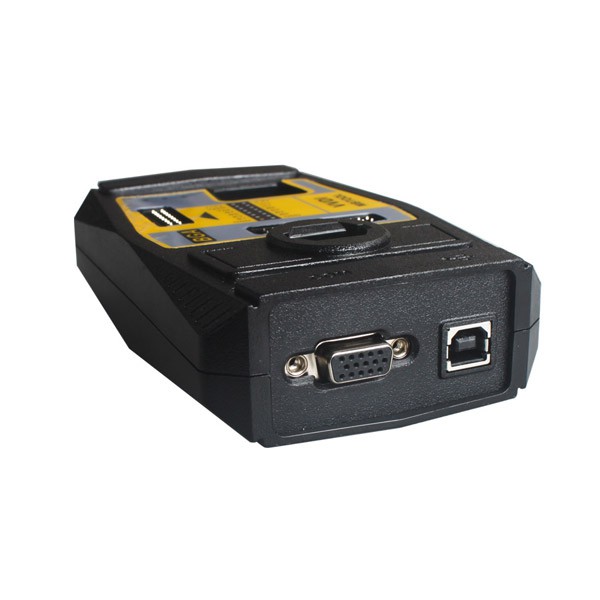
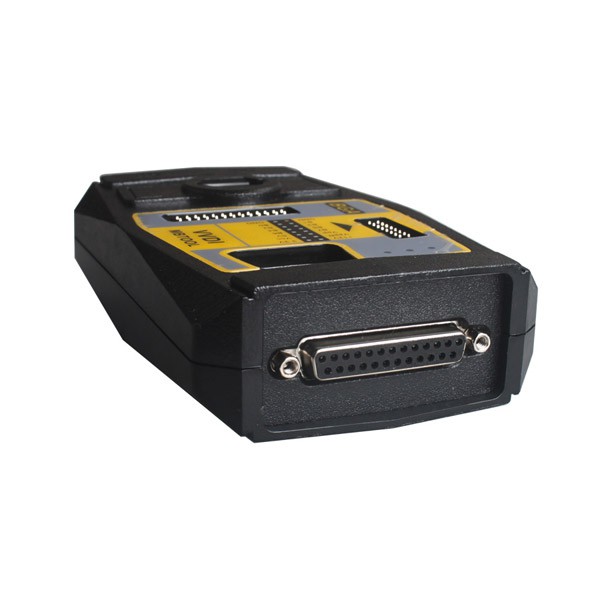
VVDI MB Tool Tokens
Support type
W164
W164 2009-
W166, 197, 212, 218, 246
W169, 209, 211
W172, 204, 207
W216
W221
W639 2009-
Functions
Mode: OBD and IR adaptor, mode use for communicating with EIS
Chassis: Select chassis number, you can detect it with auto-detect in EIS Tools
Data Acquisition:
Press “Data Acquisition”, it will continue with the following steps automatically
1) Insert working key to ignition, waiting 15 seconds
2) Insert working key to device IR reader, verify key and car
3) Data acquisition
4) Insert working key to ignition, waiting 30 seconds
5) Insert working key to device IR reader, wait end...
6) Save acquisition data
Upload Data: Upload saved acquisition data to the server for calculating passwords.
Attention: Once the password is calculated successfully for one SSID, the server will not accept the calculation of the acquisition data with the same SSID in 2 hours. After 2 hours, acquisition data with the same SSID upload to the server will start with a new task.
Query result: Query server calculation result. The password will fill in the key password area automatically after success calculation. Use “Copy” copy password to clipboard
Auto reflash: Program will auto re-flash server result until there’s no task for this device. You can start data acquisition once more while auto reflash starting
Stop acquisition after success: If you are run data acquisition while auto reflash running, the program will stop the acquisition progress when find the correct password
About query result status
Query result support query calculation results in 24 hours, others don't support Query result will display Time, SSID, Status, Filename (name when uploading to the server)
Status has the following types:
1) Queuing: number X requireS about Y minutes, which means your task needs Y minutes
2) Processing: requires 1 minute, means your task need 1 minute to finish
3) Password: xxxxxxxxxxxxxxxx (Free), means success find the password, "Free" show this task is calculated for free or this task already success calculated before
4) Discard: Once you success calculate the password, in 2 hours, the upload acquisition data with same SSID will discard
5) Already upload: means the server already have this file in queuing
6) Pay for password calculation before upload: means your device doesn't require authorisation for calculation. Contact your dealer and pay for password calculation
7) Failed: means this task failed to get the password, you can run data acquisition again. Failed task is always free
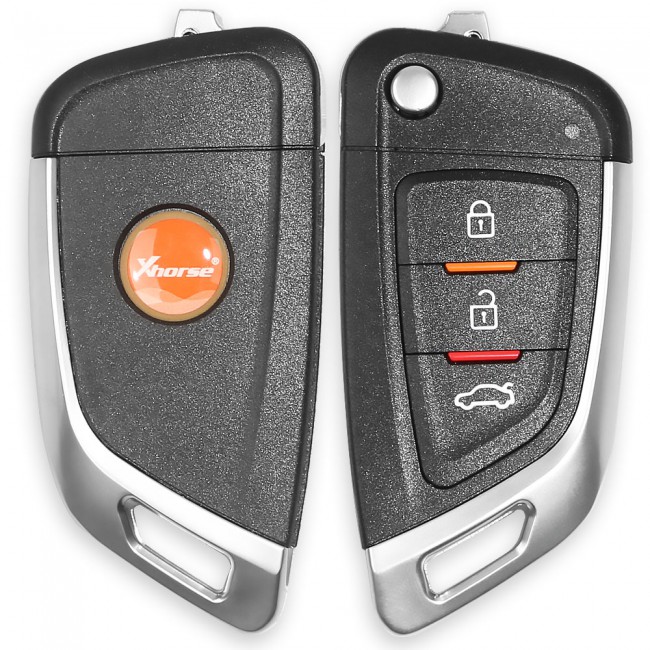 Xhorse Universal Remote Car Key with 3 Buttons for VVDI Key Tool
The tool supports generating or cloning by VVDI key tool and VVDI2
With 3 buttons;
No battery;
No blade.