Search history
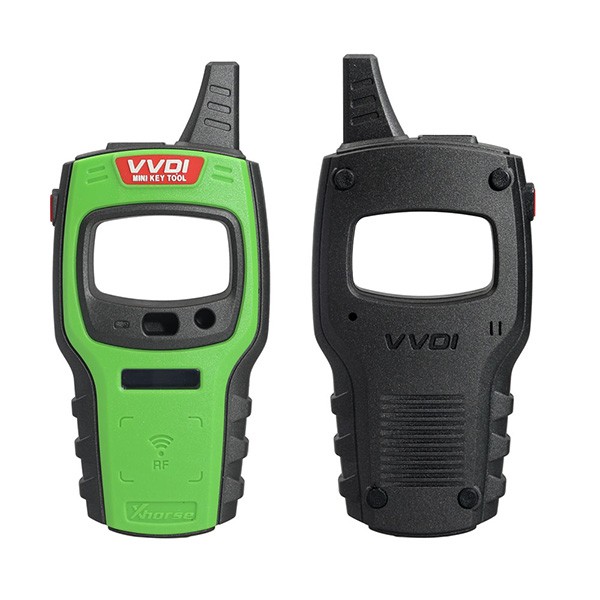


VVDI Mini Key Tool VVDI Key Tester Remote Maker NA Version based on iOS/Android Smartphones
VVDI Mini Key Tool features:
3 colours optional: red, green, orange. The tool will be sent of random colour.
Comprehensive functions, support remote and chip programming. Integrated most existing mainstream data for remote and chip.
Languages: English, Chinese, Spanish, French, Hindi, Hebrew, Italian, Thai, Polish, Portuguese, Korean and Indonesian.
Operational video
Mini Key Tool Function Introduction:
It has the ability to clone ID4C/4D, 46, 48, ID70, ID72 and can adapt to future updates. It can also generate remotes for various car brands by connecting the mini key tool with the VVDI Mobile App available on both Android & iOS mobiles.
Transponder Generating:
Support TP transponder & parts of special transponder
more than 700 vehicle models, reduce the stock of transponders efficiently.
Remote Cloning:
Support the HCS/Fixed code cloning, support non-HCS rolling code cloning, support PT22XX, LX918, HT6P20, VD5026, AX5326, HT12X fixed code editing.
Remote Generating:
Support 128 brands, over 2000 vehicle models. Generate more abundant and thorough key pictures, transponder types, key blanks and remote matching data.
Frequency Test:
Support the power test within the range of 300-450Mhz.
Garage Remote Generating:
Support more than 100 types
Toyota H Transponder:
Activate Toyota H transponder generation function
VVDI Mini Key Tool Full Authorization (already activated):
How to combine VVDI MINI KEY TOOL/DOLPHIN/KEY TOOL?
Login Xhorse APP, connect the device by Bluetooth, enter «Device & History» to combine devices.
Mini Keytool Parameters:
LCD Size: 2.4'
LCD resolution: 320*240
Extra Power: 5V/1A
Usage Time: ≥10 Hour
Product Size: 108×194×28mm
Weight: 229g
Charge Current: 1A
Battery Capacity: 150mAh
Power: 600mW
Battery Voltage: 3.6–4.2V

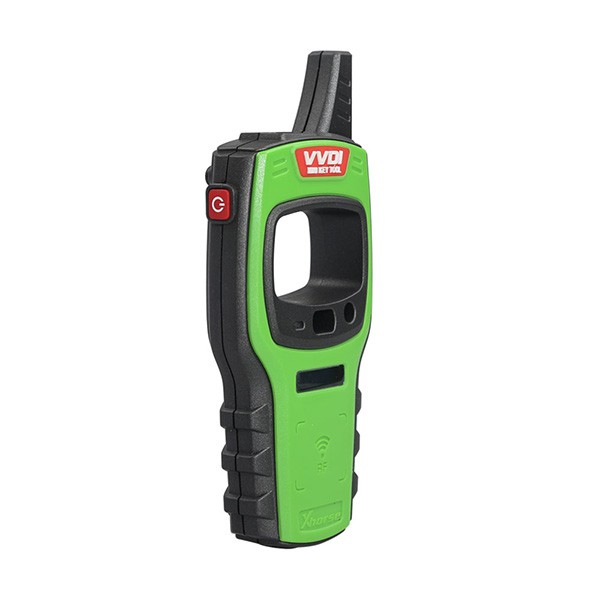
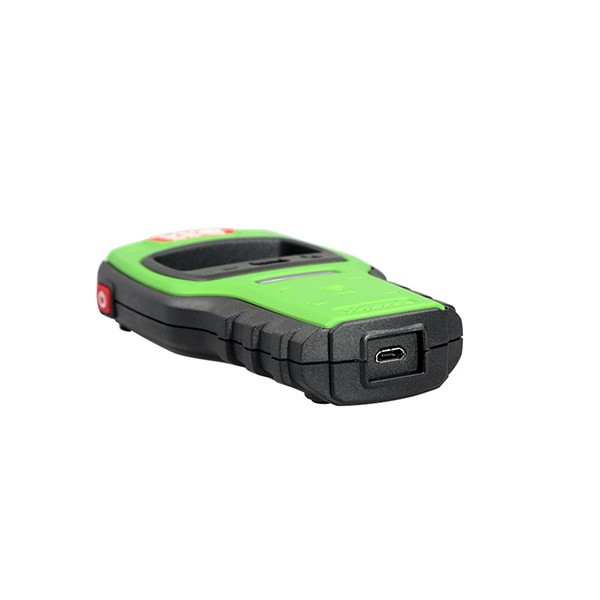
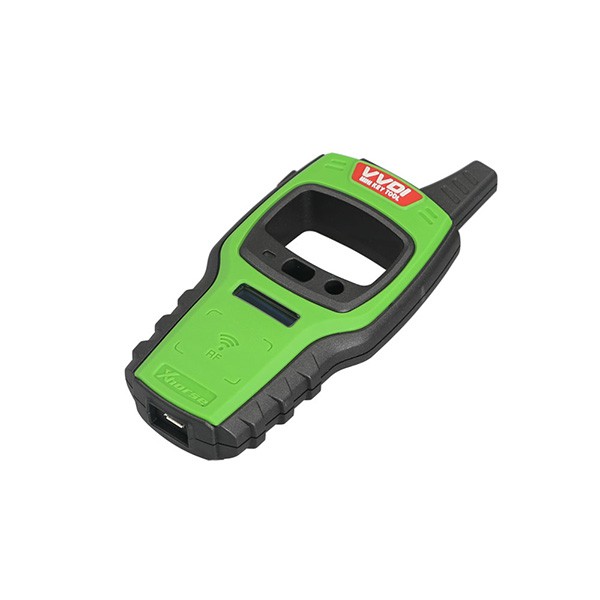
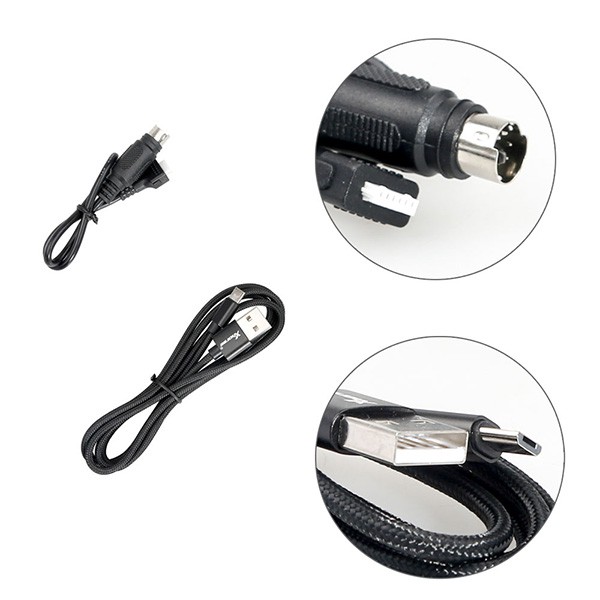
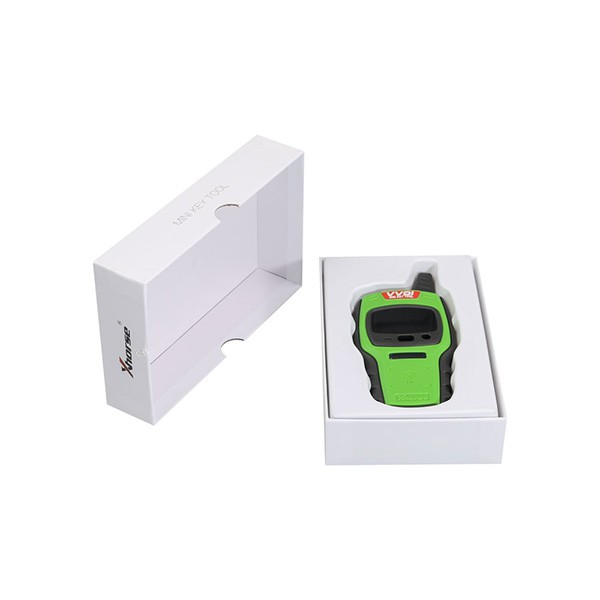
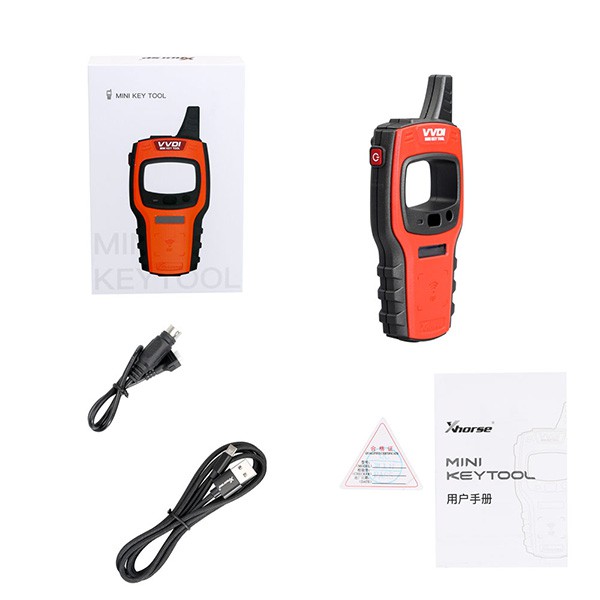
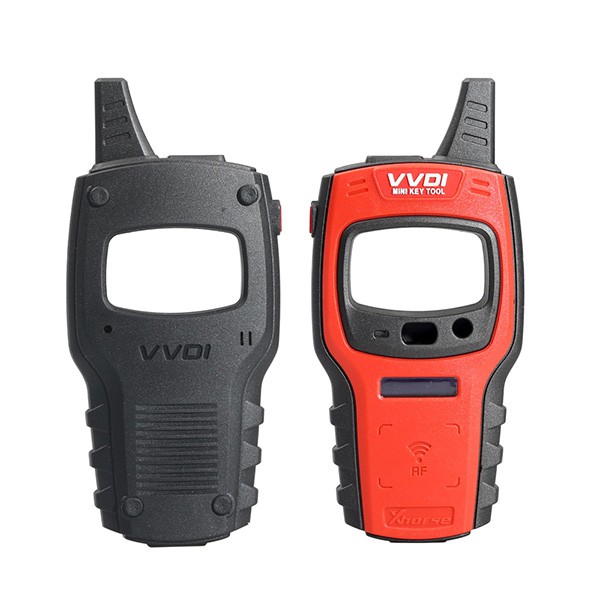
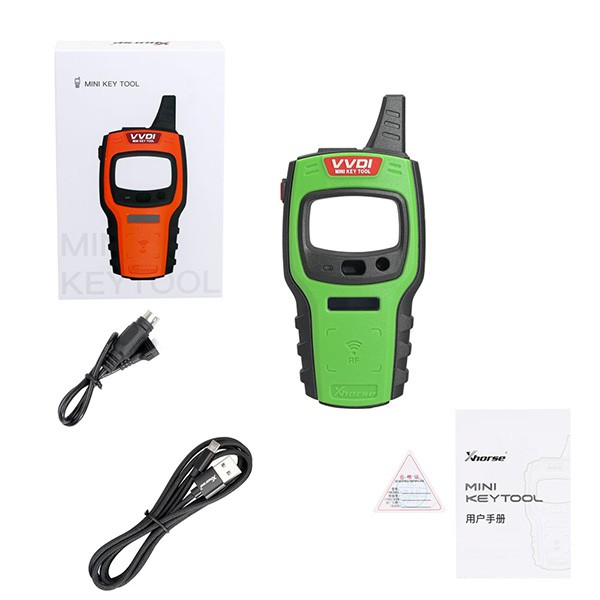
The renew cable can be used with VVDI key tools (VVDI Key Tool Plus Pad, Xhorse VVDI KEY TOOL MINI) to renew/unlock remotes.
VVDI key tools support remote renew function, but does not have a renew cable in package. The renew cable can be used with VVDI key tools (VVDI Key Tool Plus Pad, Xhorse VVDI KEY TOOL MINI) to renew/unlock remotes.
How it works:
Connect this cable to the device and then solder the four wires to the PCB of the "Key" you are unlocking using the on-screen instructions or the information in this file
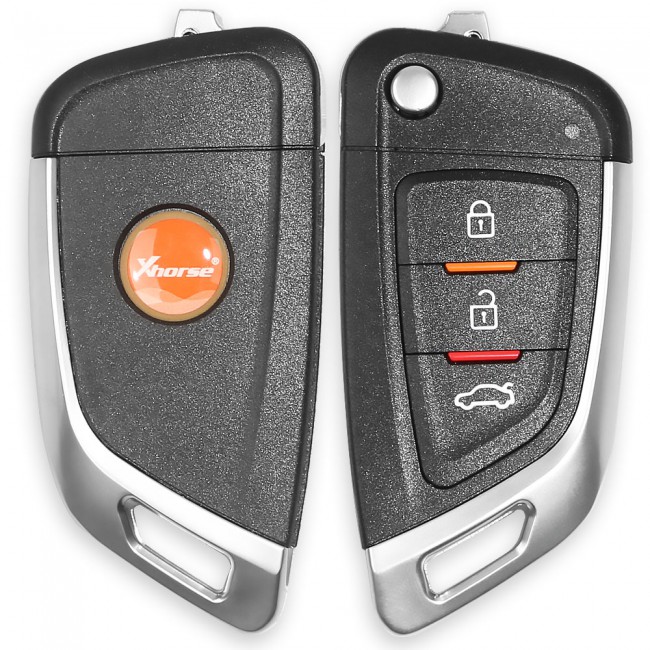 Xhorse Universal Remote Car Key with 3 Buttons for VVDI Key Tool
The tool supports generating or cloning by VVDI key tool and VVDI2
With 3 buttons;
No battery;
No blade.