Search history
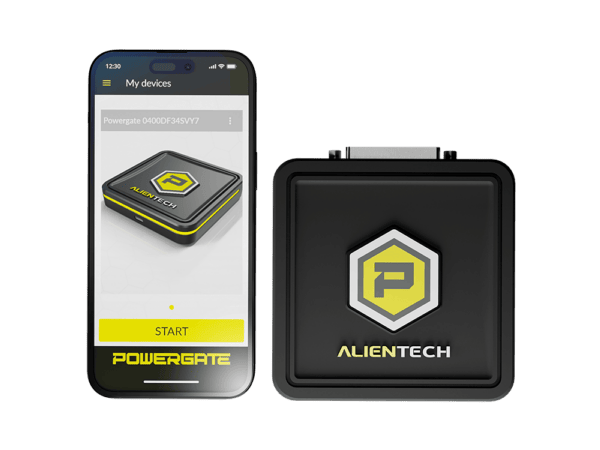


Powergate is a vehicle control unit programming device designed to offer Powergate dealers the ability to sell modified files, even remotely.
Powergate allows you to work via OBD on a single vehicle chosen from a wide range of supported models, sharing the same protocols as KESS3, using both an internet connection for the Cloud and Bluetooth for communication with your smartphone through the Powergate App for Android, iOS, and EMUI (Huawei).
It differs from KESS3 in its ability to connect to a single vehicle, allowing users to read and write engine and transmission control units using a phone app. It supports a wide range of vehicles (more than 10 times that of Powergate 3) and uses cloud technology for simplified management and real-time monitoring by dealers.
Dealers/Technicians purchase Powergate devices that are already activated at the time of purchase. These devices can be easily activated using RFID technology without the need to physically open the device packaging. This process is done via the Powergate Manager control panel, a special online interface that allows dealers to activate devices and prepare them for sale. This system not only optimizes the workflow, but also provides greater efficiency in managing distributor stock and preparing devices for end users.
Powergate Dealers/Technicians have the ability to create unique versions and customizations for their end customers. This is achieved by setting up special templates, which include setting up a mobile application and a list of supported cars. This feature allows resellers to set the device to their specific needs, offering a customized solution.
Once a template is created in Powergate Manager, the dealer/master associates it with a specific Powergate device, making it ready for use and binding it exclusively to them. This step ensures that each Powergate sold is unique and set according to the customer’s services and needs. The dealer then proceeds to sell the Powergate to the buyer, who is usually the owner of the car or even sell the device to an auto repair shop. This process not only simplifies setup and sales, but also ensures that the device is immediately ready for use, improving the overall end-customer experience.
Customer downloads and installs the Powergate app on compatible mobile devices. Then you need to connect the Powergate device to the car via the OBD connector. Through the application, the customer registers the device, linking it with his car. This procedure not only ensures the Powergate is ready for use in a few simple steps, but also establishes a unique connection between the device, the application and the customer’s specific vehicle.
During identification and read operations, Powergate identifies and reads specific data from the vehicle control unit to which it is connected. This point is critical because it allows the device to be tied exclusively to a specific vehicle. Once this phase is complete, the Powergate is bound to that vehicle, making it impossible to use it on other vehicles without the special action of erasing the data from the tool. This restriction can be overridden by purchasing a credit, which will allow you to reconnect the device to a new car.
Installing modified files via the cloud is divided into two possible options to achieve maximum efficiency and flexibility:
Once the modified file is available, the end user can proceed to the stage of writing the file to the vehicle’s ECU. Flashing firmware is made easy with the app’s user interface providing an intuitive process that allows users to safely complete the operation in just a few simple steps.
This tool can only read/write encrypted slave files to be managed by the linked master.
This device will be VIN LOCKED to a single vehicle on first use.

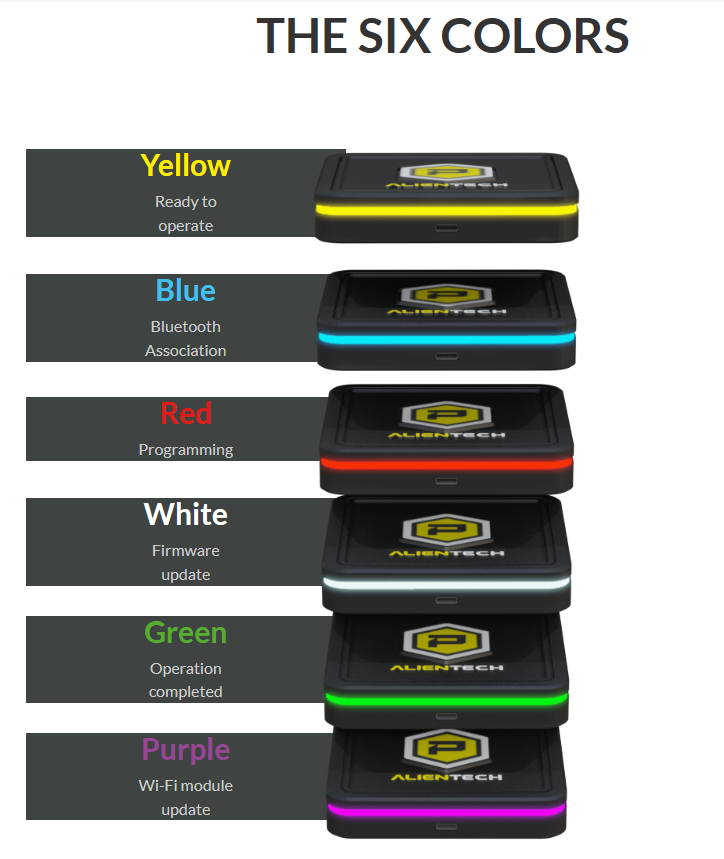
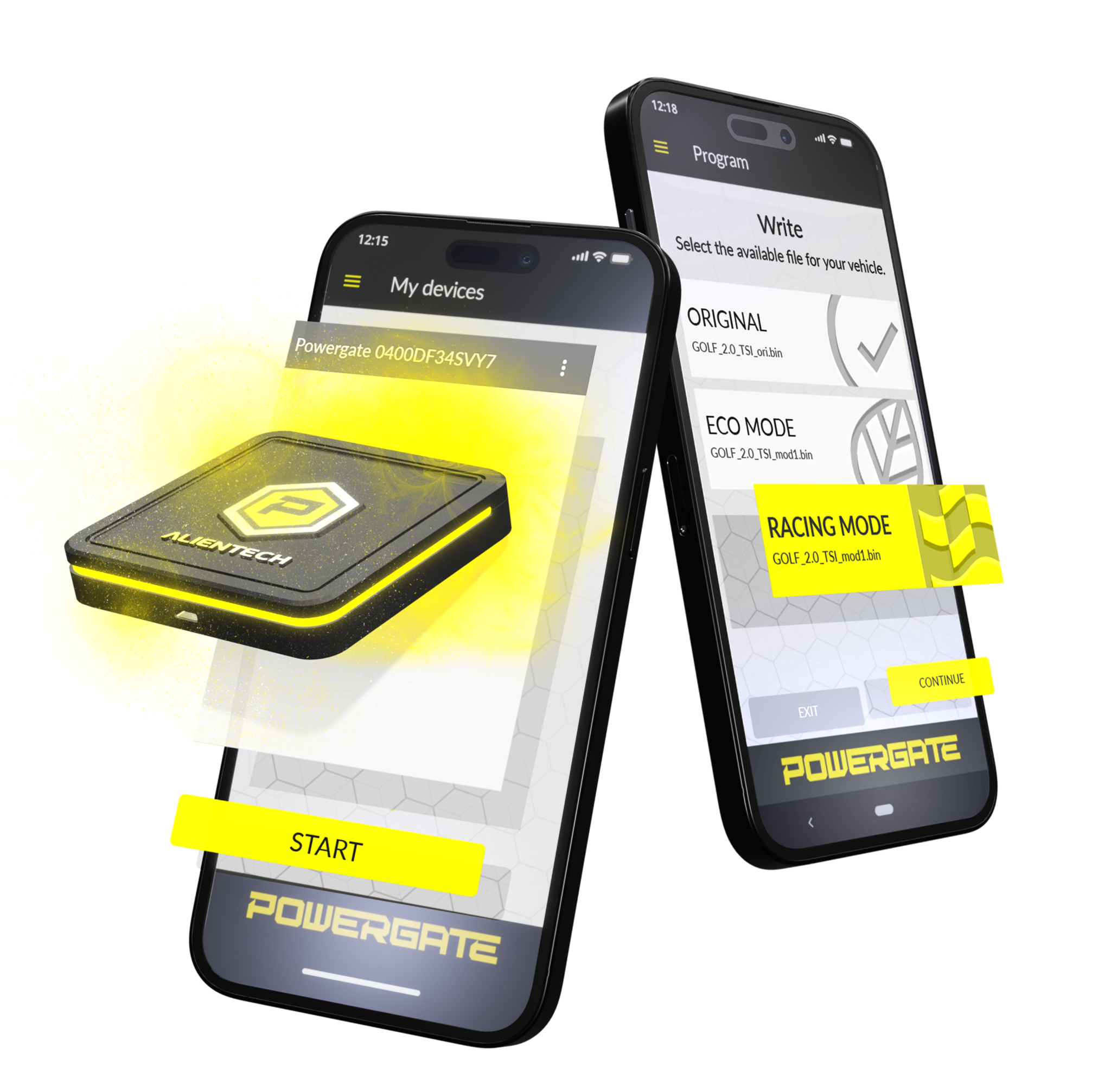
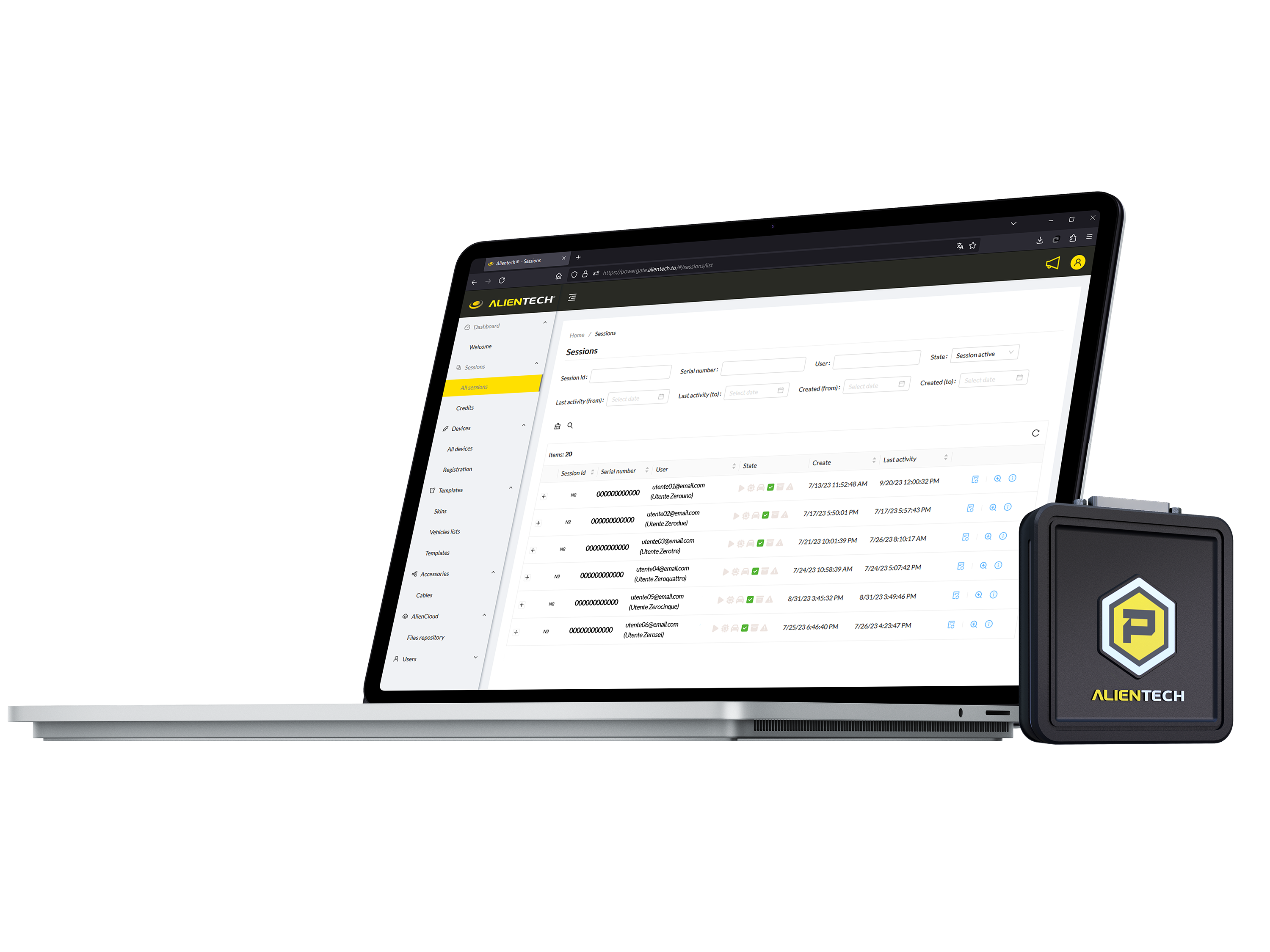

PWG4UCC001 — POWERGATE — User Cancellation Credit
PWG4UCC001 — POWERGATE — User Cancellation Credit
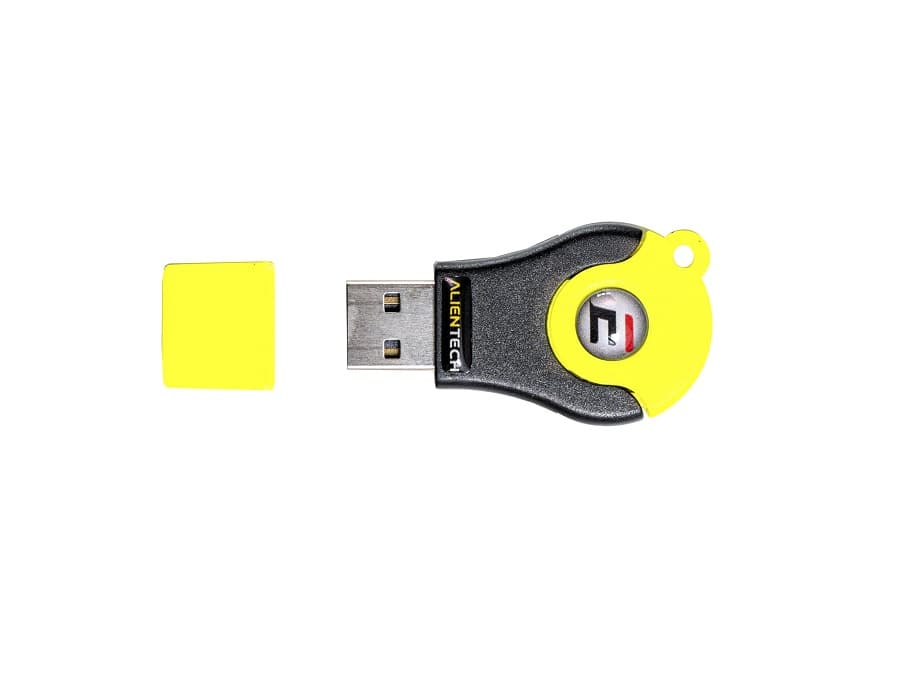 Alientech ECM Titanium
ECM Titanium is the mapping software that allows you to interpret and modify the files of the control unit easily and with accuracy. It is compatible with all the original files of cars, motorbikes, trucks, tractor and boats; it does not need other files or additional information as all are already included in the software.
To each original file corresponds a driver, supplied by Alientech, that decodes and makes available the parameters of the engine performance, for example: spark advance, engine revolves, acceleration percentage and turbo pressure. In this way you can edit the related parameters modifying the performance of the engine.
DRIVER SEARCH
The driver search is the exclusive feature that will allow you to automatically find all the necessary info to remap the original file you loaded in ECM Titanium. You will not need to purchase or to search for additional information to edit the parameters of the engine performance.
MAP LIST
In the section dedicated to the map list you will find all the necessary information to manage at your best any kind of ECU and TCU. Maps are divided in categories like: intake control, advance, turbo, engine torque, limiters and deactivations. Beside the map categories, you will also find all the available unit of measurement for each single function.
TABLE VIEW
Thanks to the table view you have the exact representation in real values used to manage the engine. You can then create your own strategy to edit the maps in the drivers. For example, you can use the interpolation feature that permits to modify the parameters in a proportional way to a selected area of the map.
3D VIEW
The 3D view will allow the form and the development of the map; you can so linearise the representation, modifying the values point by point so to make the engine response more uniformed and smooth. You will be also able to increase or decrease specific areas to improve the vehicle performance.
2D VIEW
Through the 2D view, you will have the chance to explore the entire original file to search for one or more maps you want. You will be able to modify any parameter in the loaded map. And thanks to the feature Memo addresses you can memorize the addresses of the maps so that you will easily find them again later.
INTERNAL DATABASE
The internal database will allow you to save all the files on ECM Titanium inside the flash drive so to have them always with you and work on many different PCs. If you select the desired original file you will find all the associated mod files you created.
Driver Maker
If you want to get the best from your ECM Titanium and to become even more independent creating your own maps, Driver Maker is the right choice: it is a plugin to create new drivers or to modify existing drivers in the Alientech databank. Thanks to Driver Maker you can become the professional you have ever wanted to be.
Tool Versions
ECM Titanium can be purchased in two variants which differ in the payment strategy:
• Full — for regular use. The price includes one year subscription.
• Credit — for periodic or rare use. The credit option is ideal for beginners. The price includes 1000 credits. The Full version has 6 and 12 months subscription for additional functions. In the Credit version additional functions are paid separately every time they are used. The payments are made using the internal currency — credits. The more credits you buy the bigger discount you can get. Thus, if you buy a lot of credits at a time, the price of the function is lower.
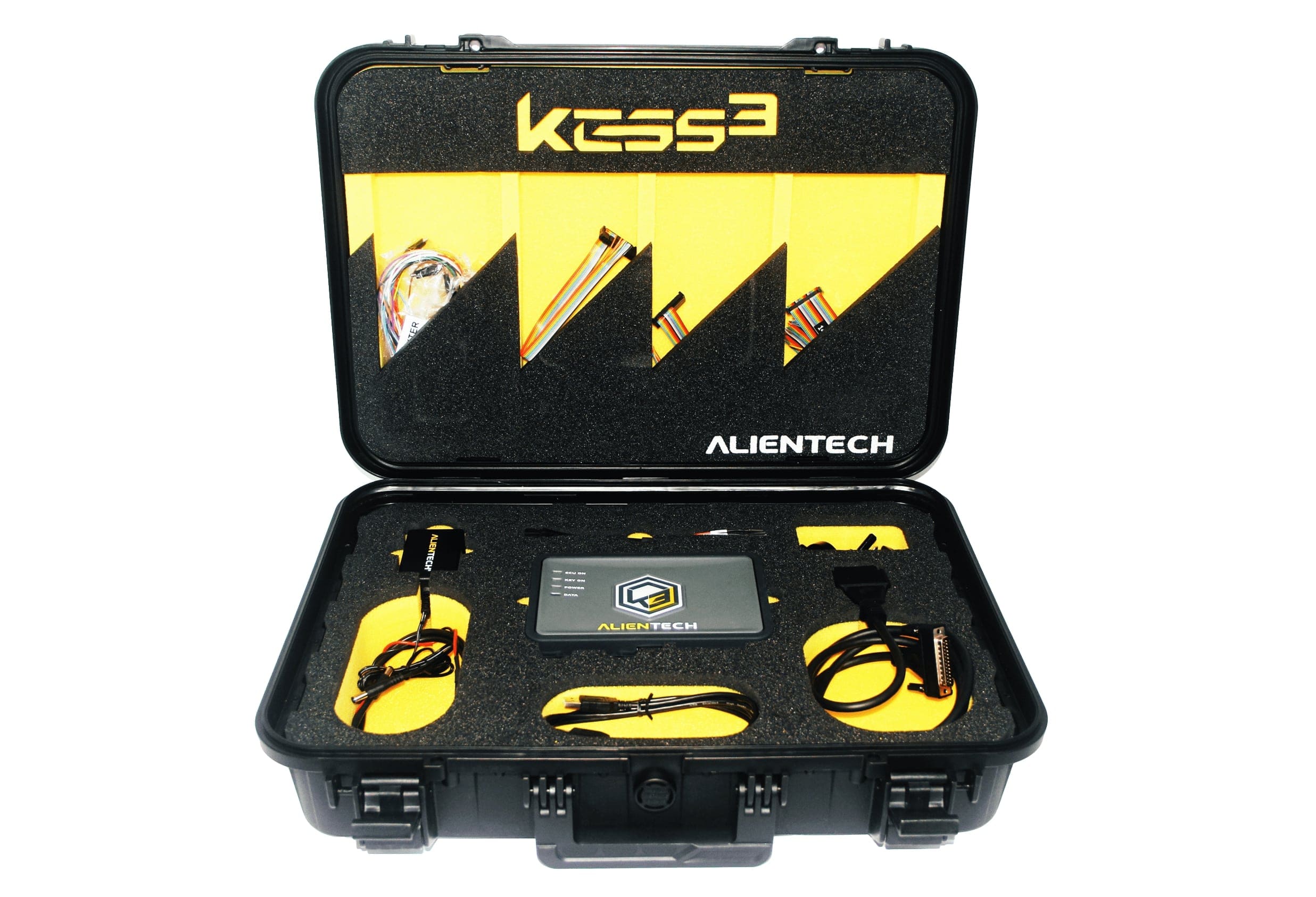 Alientech KESS3 Master
KESS3 is the new Alientech ECU and TCU Programmer via OBD, Bench and Boot Mode all in a single tool.
OBD — With the OBD mode, you can easily access all the ECU data through the diagnostic socket.
BENCH — With the Bench mode you can access the ECU data directly from the connector
BOOT — With Boot mode, with the engine control unit opened, you could connect directly to all the memories of ECU/TCU.
KESS3 advantages:
Licensing
When purchasing the device, at least one software protocol is required. The basic version cannot function without licenses and is not sold separately! Upon purchasing a protocol you will recieve software updates and free technical support and for a year. In the future, the subscription is renewed for an annual fee.
Trade-In
For all our customers who own a KESSv2 or K-TAG product we have created an trade-in program for your instruments. By choosing to replace KESSv2 and / or K-TAG, you will get a discount on the value of your new KESS3 configuration. You cna check the discount in your Alientech account.
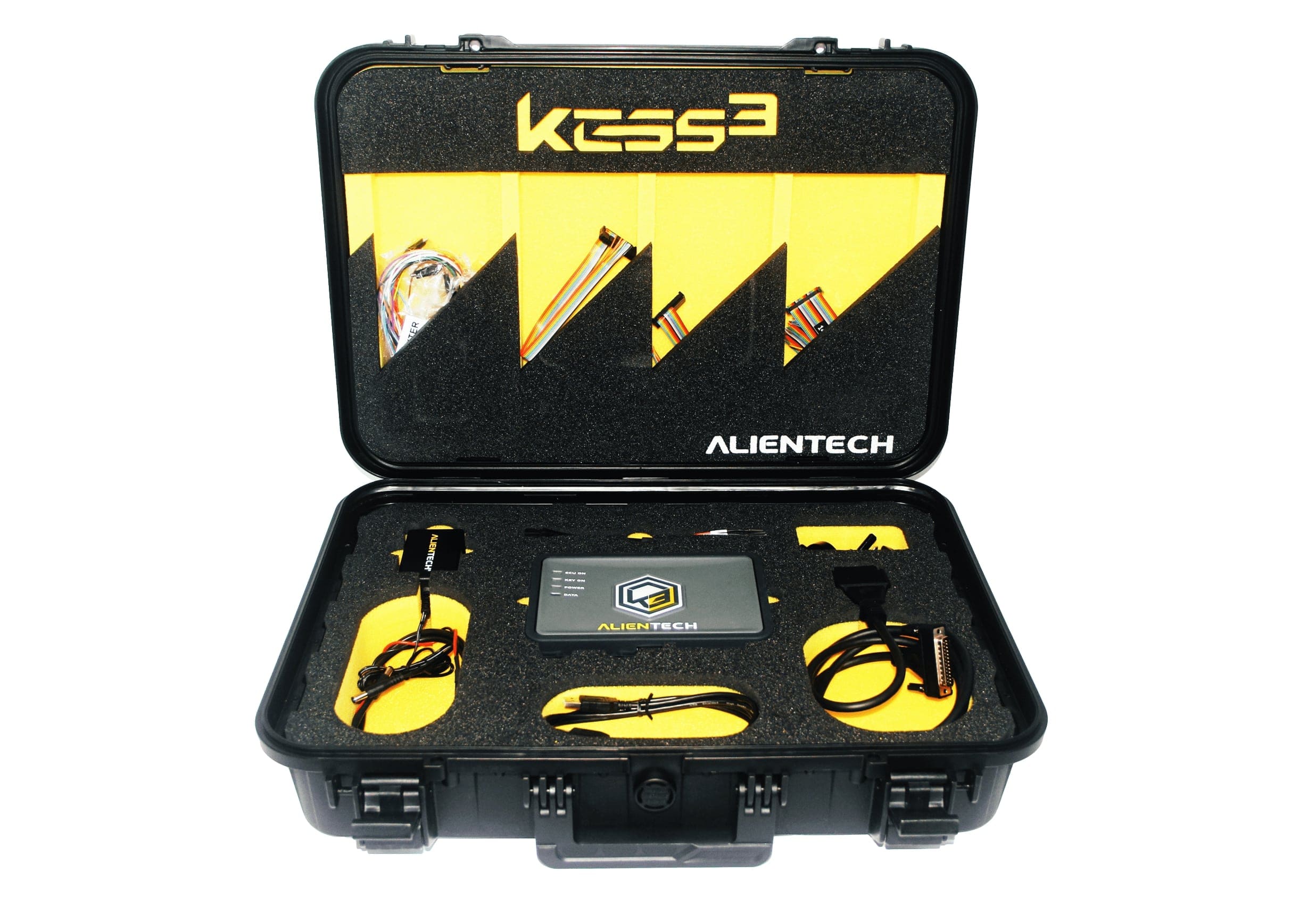 Alientech KESS3 Slave
KESS3 Slave is the new Alientech ECU and TCU Programmer via OBD, Bench and Boot Mode all in a single tool tied to KESS3 Master.
OBD — With the OBD mode, you can easily access all the ECU data through the diagnostic socket.
BENCH — With the Bench mode you can access the ECU data directly from the connector
BOOT — With Boot mode, with the engine control unit opened, you could connect directly to all the memories of ECU/TCU.
KESS3 advantages:
Licensing
When purchasing the device, at least one software protocol is required. The basic version cannot function without licenses and is not sold separately! Upon purchasing a protocol you will recieve software updates and free technical support and for a year. In the future, the subscription is renewed for an annual fee.
Trade-In
For all our customers who own a KESSv2 or K-TAG product we have created an trade-in program for your instruments. By choosing to replace KESSv2 and / or K-TAG, you will get a discount on the value of your new KESS3 configuration. You cna check the discount in your Alientech account.