Search history
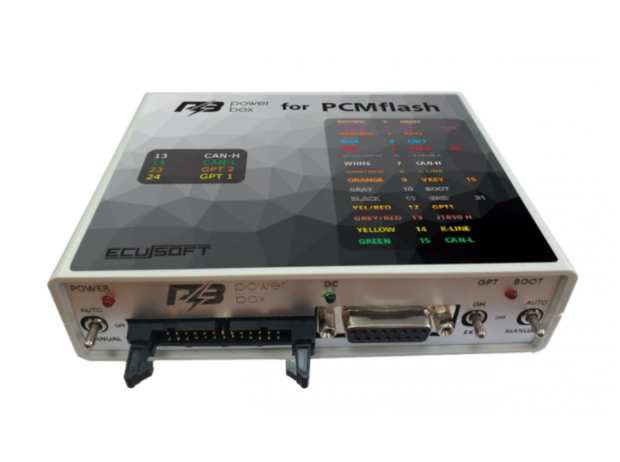



PowerBox for PCMflash is designed to connect the control unit to the software bootloader "on the bench" and automatic (if supported by the flasher and the J2534 adapter) or manual switching of supply voltages and generation of RESET, BOOT, CNF1, GPT1, GPT2, WATCHDOG signals.
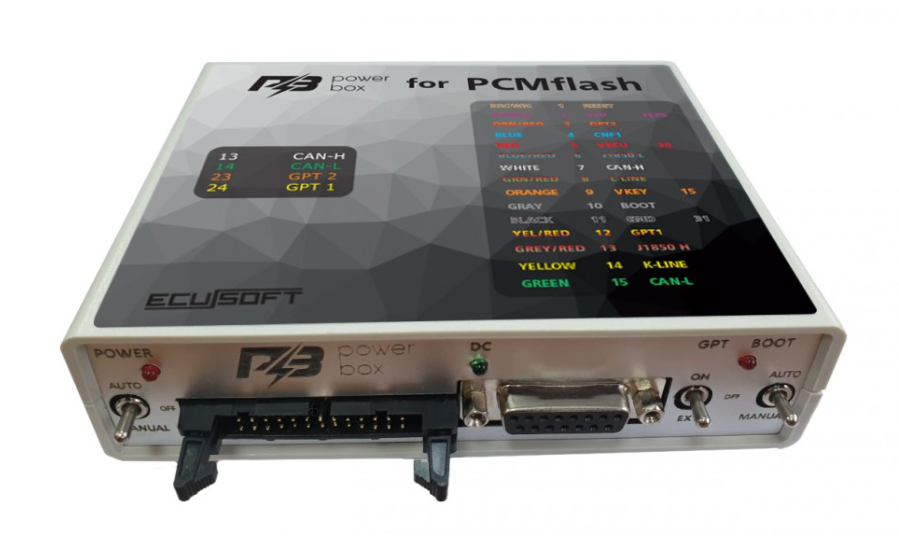
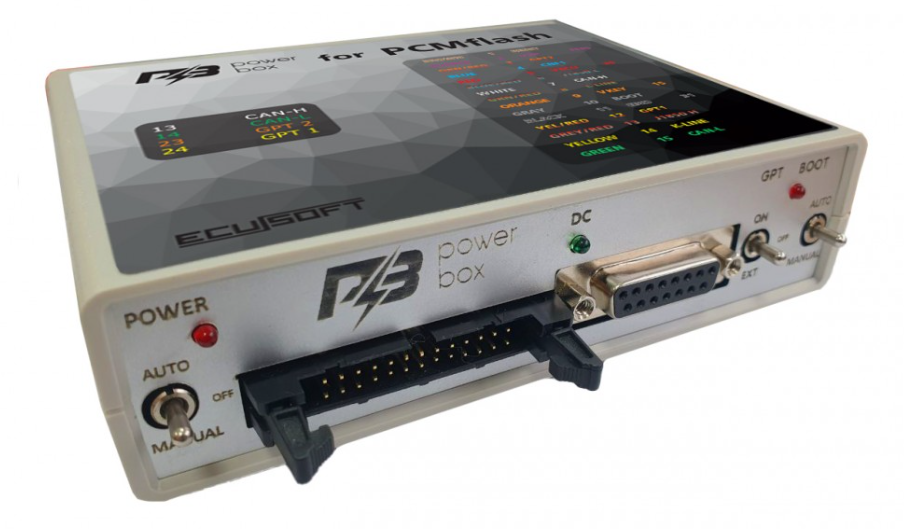
Model 2022 (has a new switch arrangement, see photo in the description) of the year of release has an improved GPT signal generator. For devices of previous generations, we recommend using GPT BOOSTER.
Compatible in automatic mode with bootloaders that use for control:
BOOT - OEM12, 12 contact OBD-II.
Power supply control - L-LINE, 15 contact OBD-II.
Important:
To work with 71 and 77 PCMflash modules, the BOOT switch must be in the AUTO or MANUAL position. (The BOOT indicator should light when power is supplied to the ECU).
In MANUAL mode - power must be supplied by the switch on the PowerBox, and not from an external source.
In GPT mode, it allows you to work with 5V and 12v signals, as well as with differential inputs without using capacitors.
The device is equipped with three switches to ensure operation in different modes.
The device has built-in current-limiting resistors on the signal lines:
The CAN bus has a 120 Ohm terminal resistor, which can be disconnected if necessary - remove the jumper of the same name (located closer to the DC connector).
BOSCH jumper (located closer to the USB connector) - to work with the BOSCH unit in GPT mode, to work with SIMOS12 / SIMOS18 units in GPT mode, you need to remove this jumper.
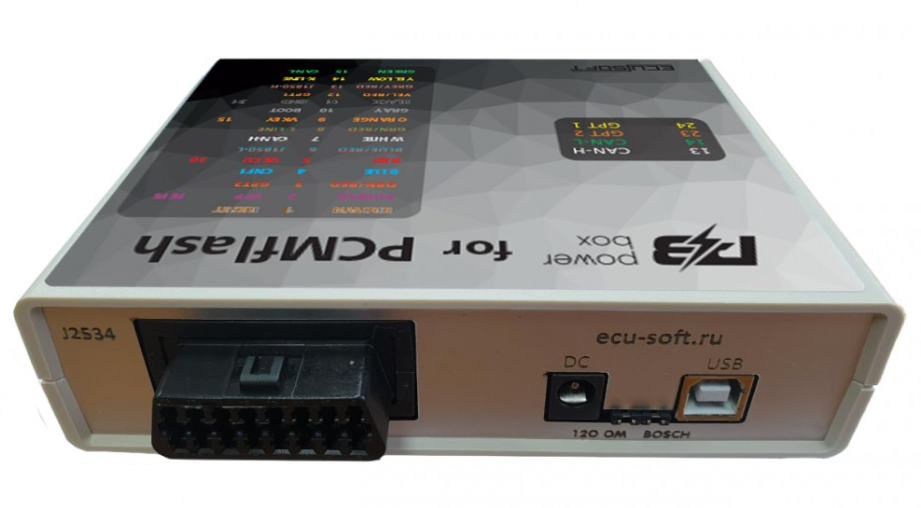
The USB connector is designed for connecting to a computer. The connector requires connection when using the built-in USB-UART converter, for updating the PowerBox device software, and when programming Renesas processors.
The DC connector is designed to power the built-in circuit of the device, as well as the connected ECU. Only high-quality power supplies are recommended for use. The central pin is for +, the side pin for -. There is input protection against incorrect polarity. When reading the password, when this is not possible on a car, it must be taken into account that high-voltage converters in the ECU consume quite a large current at startup, which can lead to the protection being triggered or even cause the power supply to break down.
The J2534 connector
The connector has the following connection diagram:
1 GPT1 EXT
2 GPT2 EXT / J1850
4 GND
5 GND
6 CAN-H
7 K-LINE
10 J1850
12 SELECT BOOT
13 VPP
14 CAN-L
15 L-LINE
16 POWER
DB-15 connector
It is recommended to use the DB15 - PIN cable.
The connector has the following connection diagram:
1 BOOT BROWN
2 VPP PURPLE
3 GPT2
4 CNF1 BLUE
5 VECU RED
6 J1850 L
7 CAN-H WHITE
9 VKEY ORANGE
10 BOOT GRAY
11 GND BLACK
12 GPT1
13 J1850 H
14 K-LINE YELLOW
15 CAN-L GREEN
IDC-26 connector
The connector has the following connection diagram:
1 GND SIGNAL
2 VECU
3 VPP (Pin 13 OBD-II, OEM13)
5 5V
6 GND
7 RXD
8 TXD
10 WATCHDOG
11 5V
12 K-LINE
13 CAN-H
14 CAN-L
15 GND
21 GND
23 GPT2
24 GPT1
The POWER LED indicates that power is supplied to the ECU. Flashing of the indicator indicates unstable power supply of the device, it is recommended to de-energize the device for at least 1 minute.
The DC LED indicates the presence of supply voltage.
The BOOT LED indicates the presence of 3.3 volts at the CNF1 output, pull-ups to minus on BOOT and RESET, and also indicates the GPT mode (lit - 71 or 77 module \ off - 53 module).

Russian analogue of 14P600KT03
An analogue of 14P600KT03
The universal cable DB15-PIN allows to connect to various ECU connectors, it is a better equivalent of 14P600KT02. GPT1 and GPT2 of the same colour are labelled and brought out together with additional CAN-H CAN-L. The cable has an extra pair of pins on the VECU chain and an extra pair of pins on the VKEY chain which allows to apply up to 8 supply voltages (four small pins and 4 big ones).
The universal cable DB15-PIN allows to connect to various ECU connectors, it is a better equivalent of 14P600KT02. GPT1 and GPT2 of the same colour are labelled and brought out together with additional CAN-H CAN-L. The cable has an extra pair of pins on the VECU chain and an extra pair of pins on the VKEY chain which allows to apply up to 8 supply voltages (four small pins and 4 big ones).
 Openport 2.0
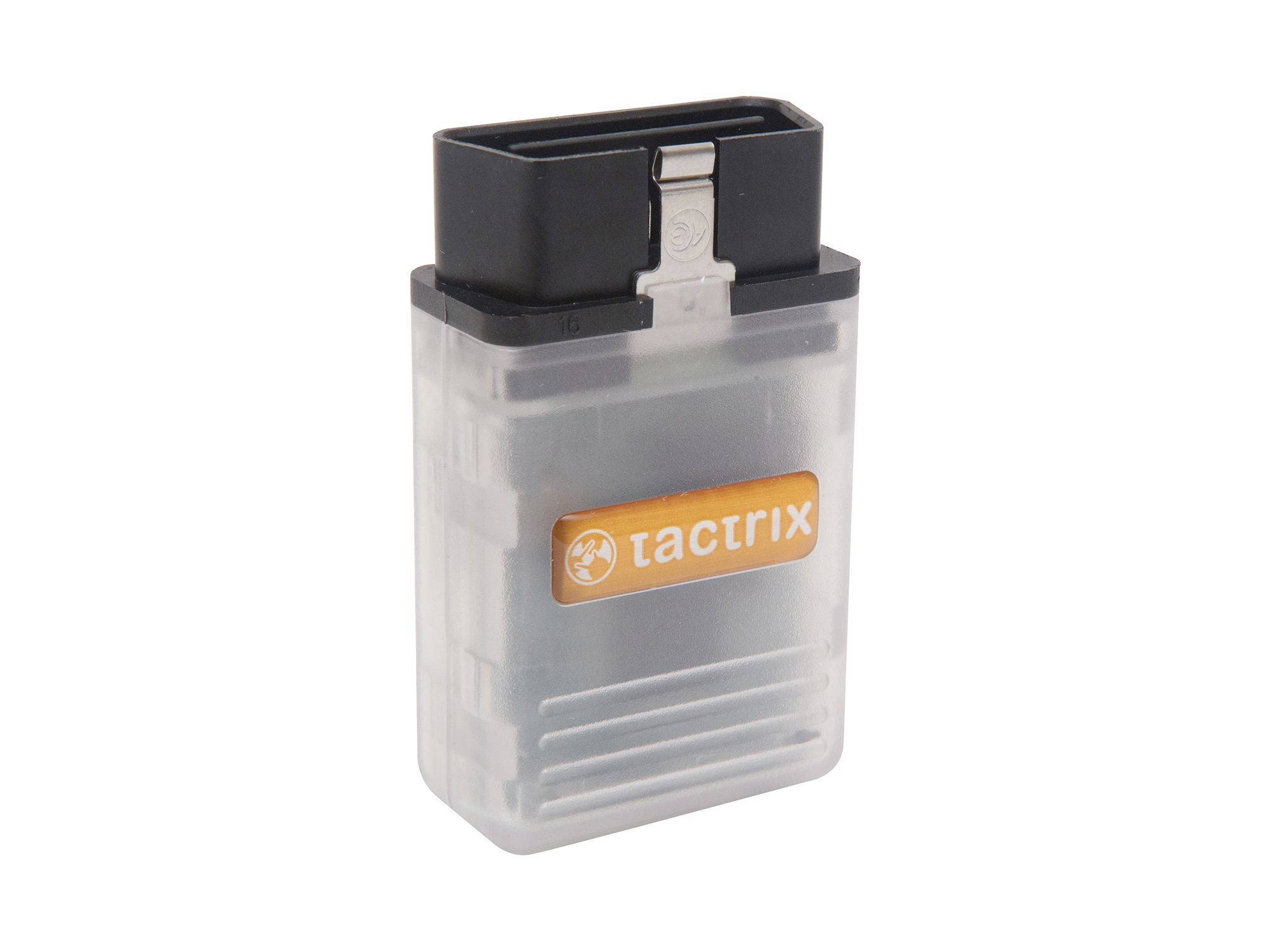
The OpenPort 2.0 is tuning tool hardware that is capable of communicating with a most OBDII compliant vehicles using a standard J2534 interface. Combined with EcuFlash software, the OpenPort 2.0 is capable of reflashing a large number of newer Subaru and Mitsubishi vehicles. A USB cable is included with each OpenPort, which is all the hardware you will need unless you have one of the few vehicles that require a separate reflash adapter. For Subaru you will only need a reflash adapter for the 2001 through 2005 WRX, but not STi, unless you are working on an early non USDM STi in which case you may need one of our WRX adapters. No other Subaru vehicles require reflash adapters including Forester, Baja, Legacy, or naturally aspirated Impreza models. For Mitsubishi, you will need the adapter for most pre CAN vehicles which include the 5-9 Evo. Choose the adapter you need from the ’Reflash Adapters’ list below.
Technical Details
It has been successfully tested with the following software: Chiploader, MMC Flasher, Multiflasher, PCM Flash, Toyota Techstream and many others.
NB! We do NOT sell clone tools. This Openport is the original product of Tactrix Inc. Every customer is guaranteed to get all the updates including beta and technical support.
 PCMflash
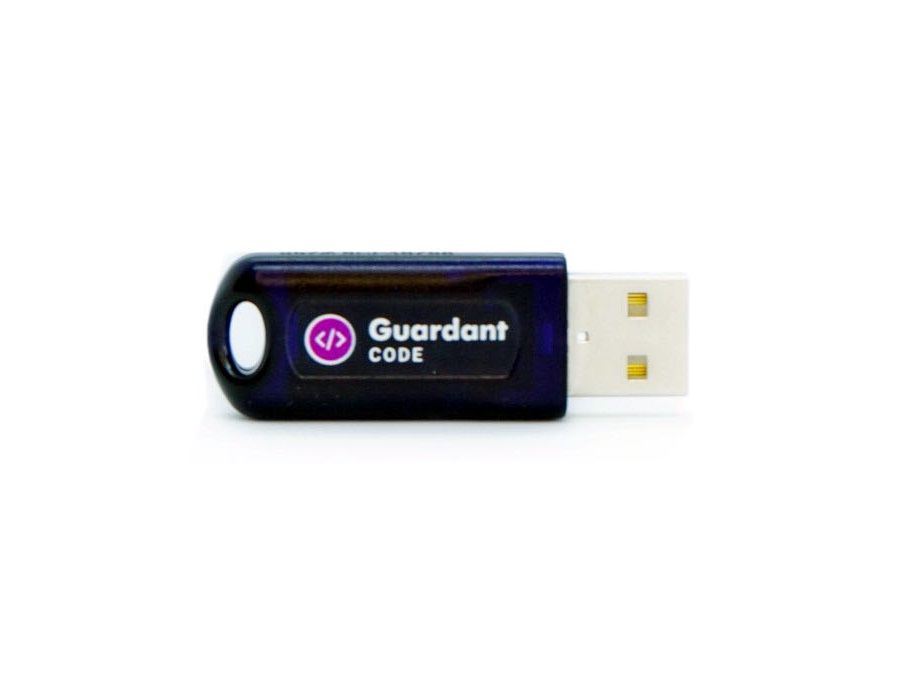
You need both the dongle (basic equipment) and at least one module at the initial purchase. The modules will not work without a dongle.
The software is marketed on a module basis and has simple and clear interface. The Guardant dongle is used for the protection from unauthorized access. It supports flashing both backup (vbf) and binary (bin) files. When flashing binary files checksum verification and correction is available for most of the modules. Conversion from VBF/GDS into BIN is supported if the ECU doesn’t support reading. Most modules support checksum verification and correction as well as VID transfer (if needed) while flashing binary files.
The USB dongle needs to be linked to a PC. The authorization process is automatic and requires Internet connection at the first attempt to work with an ECU. The dongle can be used on several computers.
Technical support is porvided by the developer directly.
Attention! In case of the dongle loss, the module transfer is not possible. You have to buy a dongle and software again.
We do not provide pinouts.
NB! Modules are activated from 10 am to 6 pm GMT+3 on work days.
Modules may not be activated at weekends and on public holidays. Please plan your work and purchases accordingly.
Please note the modules cannot be deactivated. If you provide the wrong dongle number, no refund will be possible.
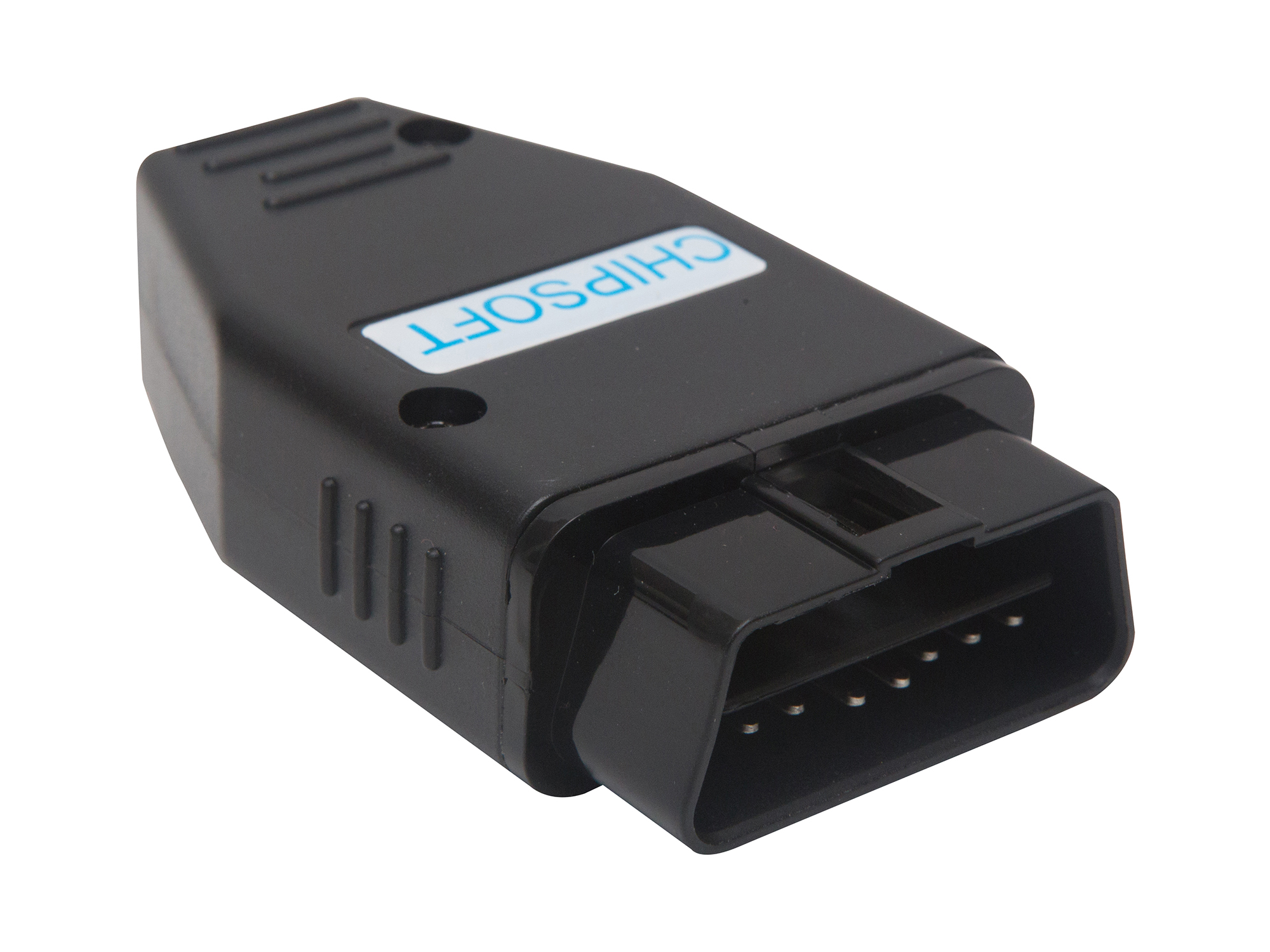
 Chipsoft J2534 Mid & K-line
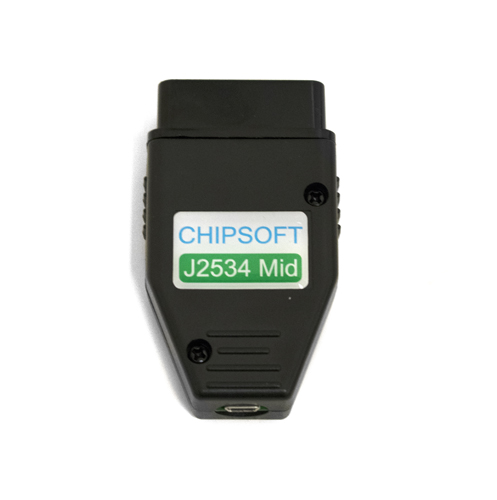
CHIPSOFT J2534 Mid & K-line adapter is one of the most affordable adapters in its class. Support of various programs working via J2534 standard makes it an irreplaceable tool for diagnostics and chip tuning, and its price allows you to start your own business with minimum financial expenses. Various working modes of the adapter (J2534, K-Line adapter, CANHacker) substantially widen its functionality.
Technical specifications:
Support of the following protocols:
The adapter pinout
The adapter is a universal device able to work in various modes:
The adapter supports the protocol ISO22900 and works with Tech2Win. Initially the device works as a J2534 compatible device. You can change the device mode using the shortcuts located in Start- Programs - CHIPSOFT J2534 Mid:
 Chipsoft J2534 Lite & K-line
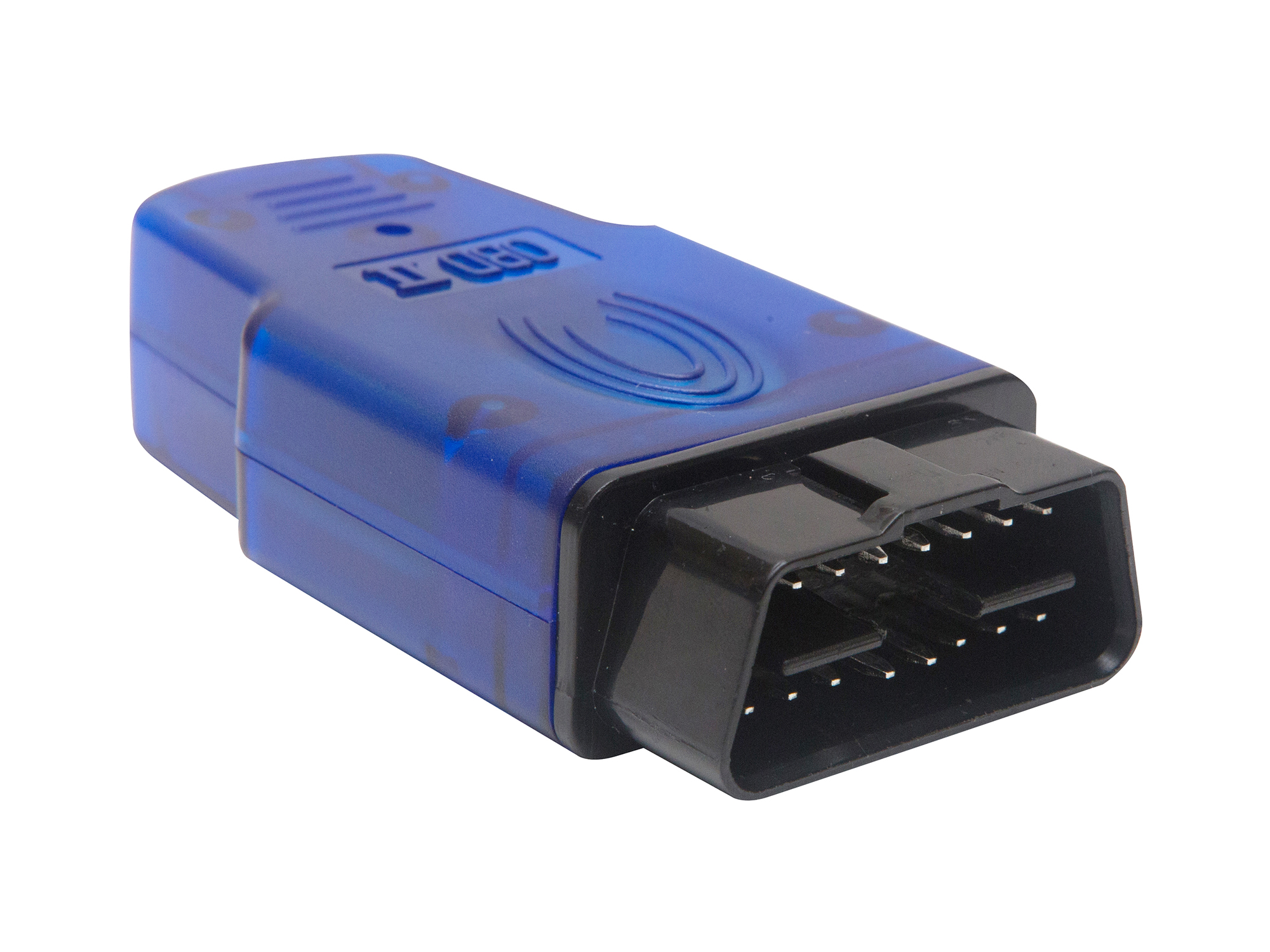
A reasonably priced universal adapter for ECU diagnostics and programming via J2534 protocol. The adapter pinout is completely unified with that of ELM327 adapters. The adapter has been successfully tested with the following diagnostic software: PCMScan, ScanXL, Toyota Techstream (not in full) and chip-tuning software: ChipLoader (in full), OpenBox (in full), CombiLoader, MultiFlasher (not in full). Connection cables are to be purchased separately.
Technical specifications:
Support of the following protocols:
The adapter pinout:
The adapter is a universal device able to work in various modes:
The adapter supports the protocol ISO22900 and works with Tech2Win. Initially the device works as a J2534 compatible device. You can change the device mode using the shortcuts located in Start- Programs - CHIPSOFT J2534 Lite:
 Dialink
The universal J2534 Dialink adapter by SMS-Software is designed for ECU diagnostics and reprogramming via CAN-bus, it is fully compatible with Combiloader and can be used with any third-party software.
Dialink application:
Advantages:
*1 in comparison with OpenPort software.
*2 the exchange speed of ISO-11898 (CAN) reaches the max capacity of the bus. It is up to 8 times faster than OpenPort operational speed.
Supported protocols:
Power:
The full operational range of power voltage is from 8V to 35V which guarantees fail-free operation in any working conditions including trucks.
PC (laptop) connection:
Diagnostic connector pins:
Extra features:
Thanks to the built-in microprocessor DiaLink adapter can be used not only as a diagnostic adapter for SMS-Diagnostics 3 software or as a J2534 compatible device but also can be configured for use in the following modes