Search history
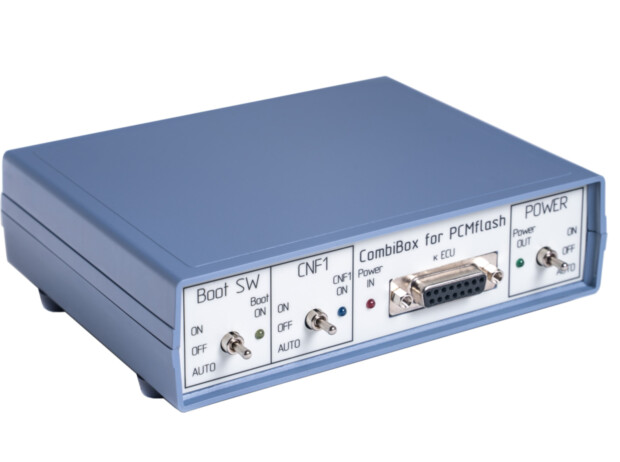



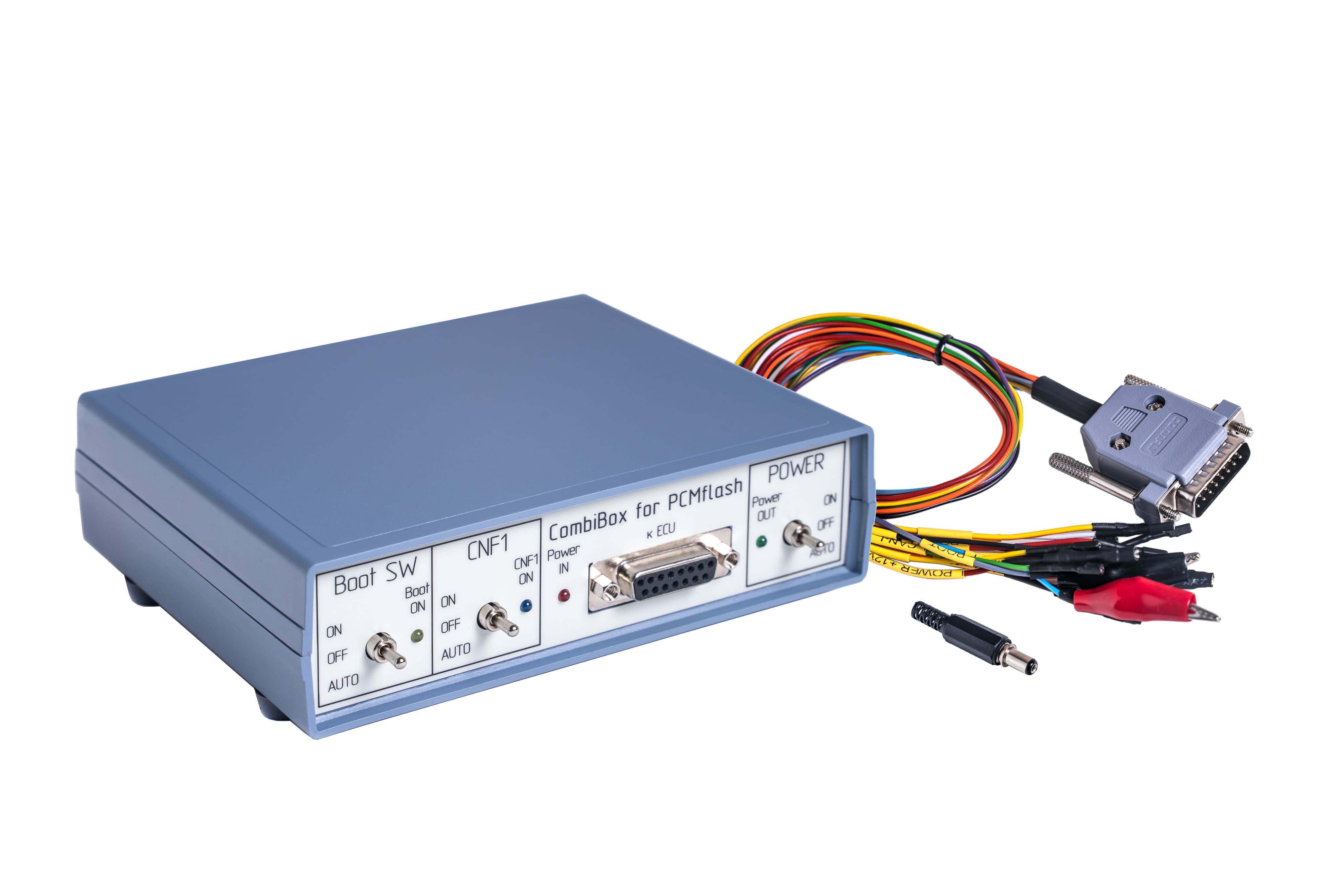
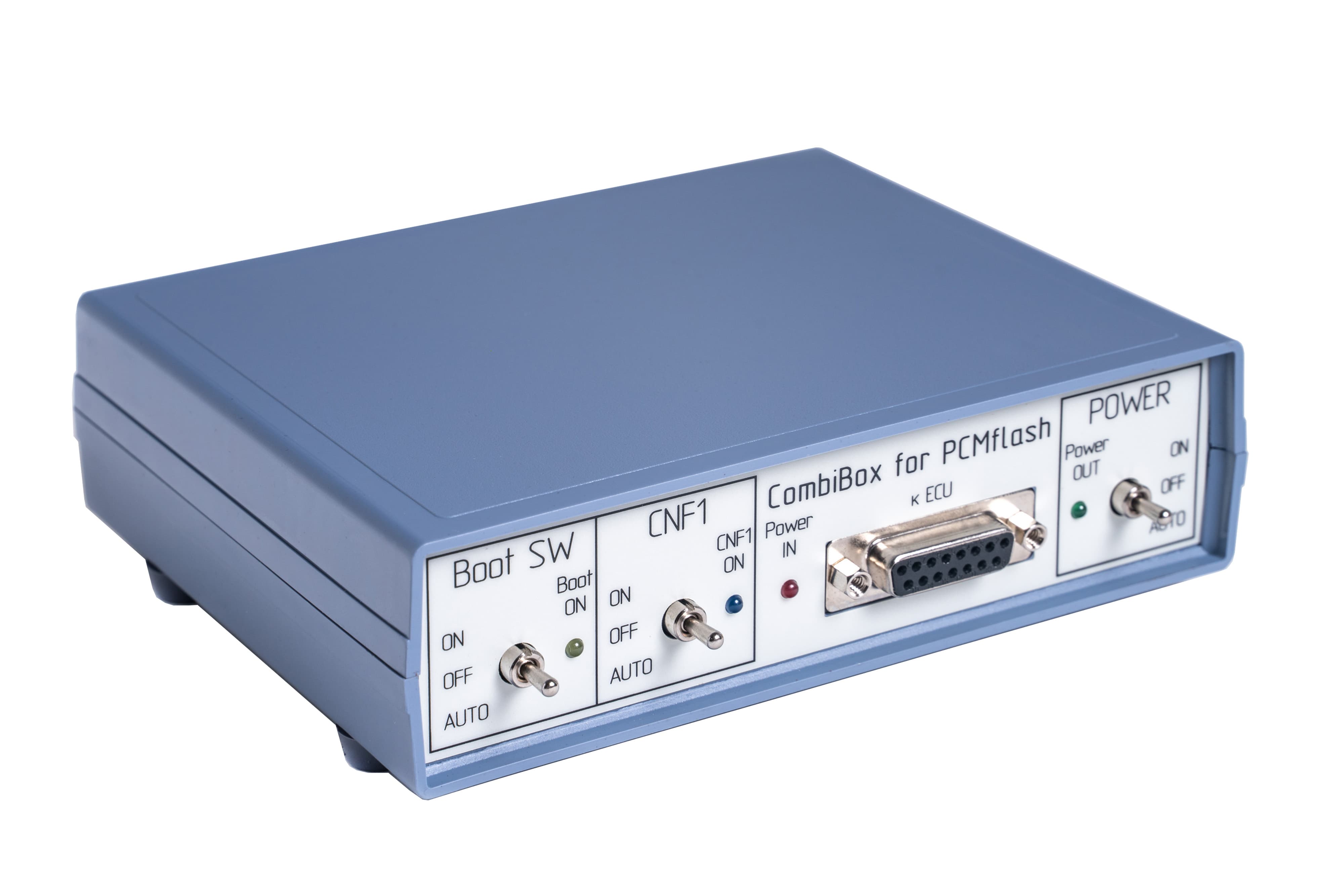
CombiBox is designed to connect an ECU to PCMflash and a J2534 device on the bench and to switch power and GPT1, GPT2 signals, and to form BOOT, CNF1 signals. When used with Scanmatik 2 PRO CombiBox for PCMflash allows to form GPT1, GPT2 signals necessary to work with Module 53 and Module 71, and future modules.
Power
CombiBox requires constant 12V supply voltage. The mating part of the connector is included in the delivery package. It is utterly important to respect polarities when arranging soldered connections of the power cable. Incorrect power supply is EXTREMELY DANGEROUS and may cause the CombiBox or the control unit connected to it to fail. It is recommended to use regulated laboratory power supplies with voltage adjustment range up to 30V and with a maximum current of not less than 3A to safely operate CombiBox and program ECUs.
Connection
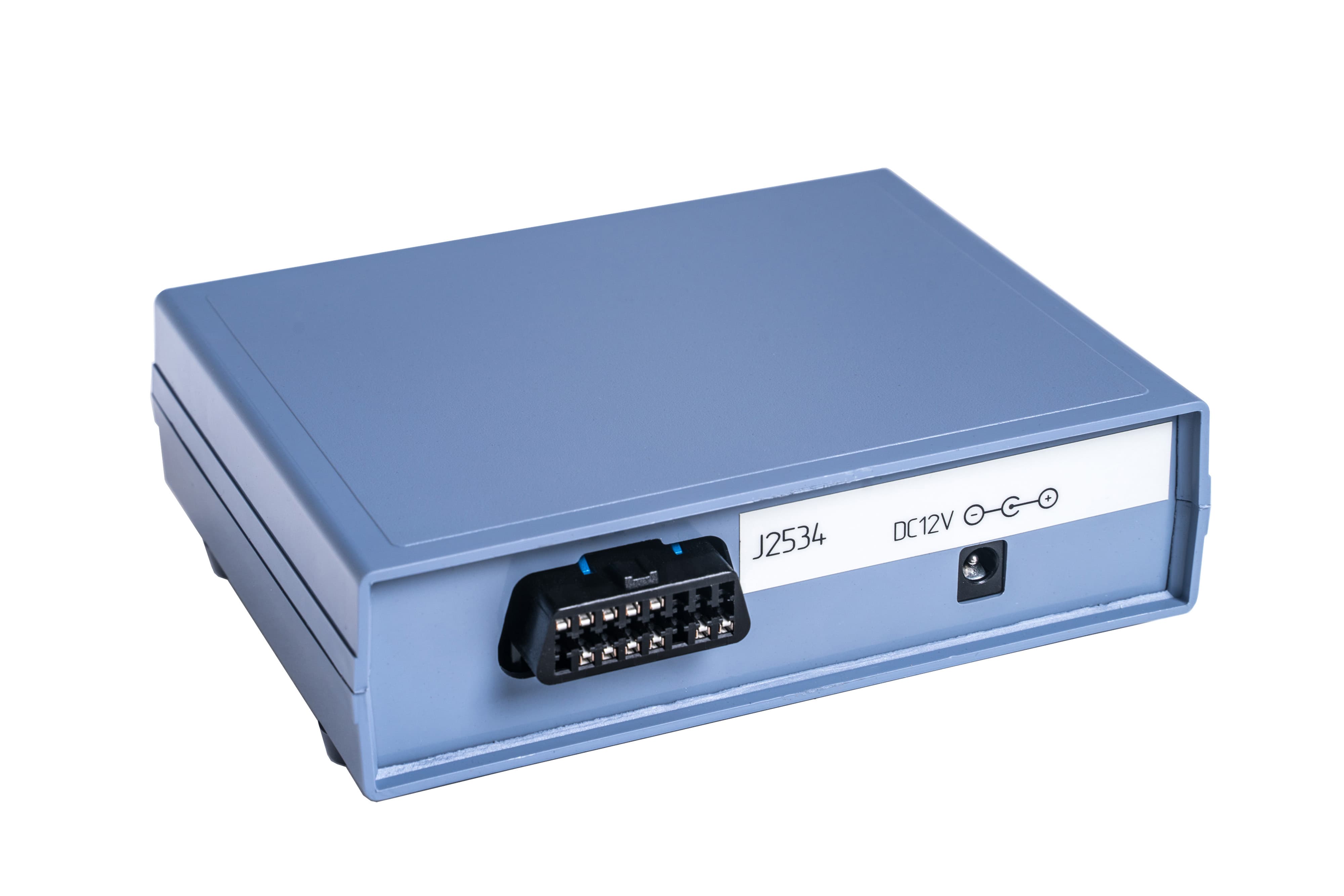
On the back of the CombiBox there are 2 plugs:
1. J2534 is a plug for connecting a J2534 device (Scanmatik 2 PRO).
The plug has the following connection diagram:
2. DC IN 5A Max Jack is a plug for connecting power supply.
On the front panel of the device there is a DB-15 plug designed to connect to the ECU using a universal cable. All cable wires have appropriate markings to connect them correctly.
The plug has the following connection diagram:
Controls elements
«POWER» switch, power control. The device has three modes of power supply to the ECU:
Boot SW switch, BOOT signal control:
«CNF1» switch, CNF1 signal control (3.3V):
The device has built-in current-limiting resistors on signal lines:
Indicators:

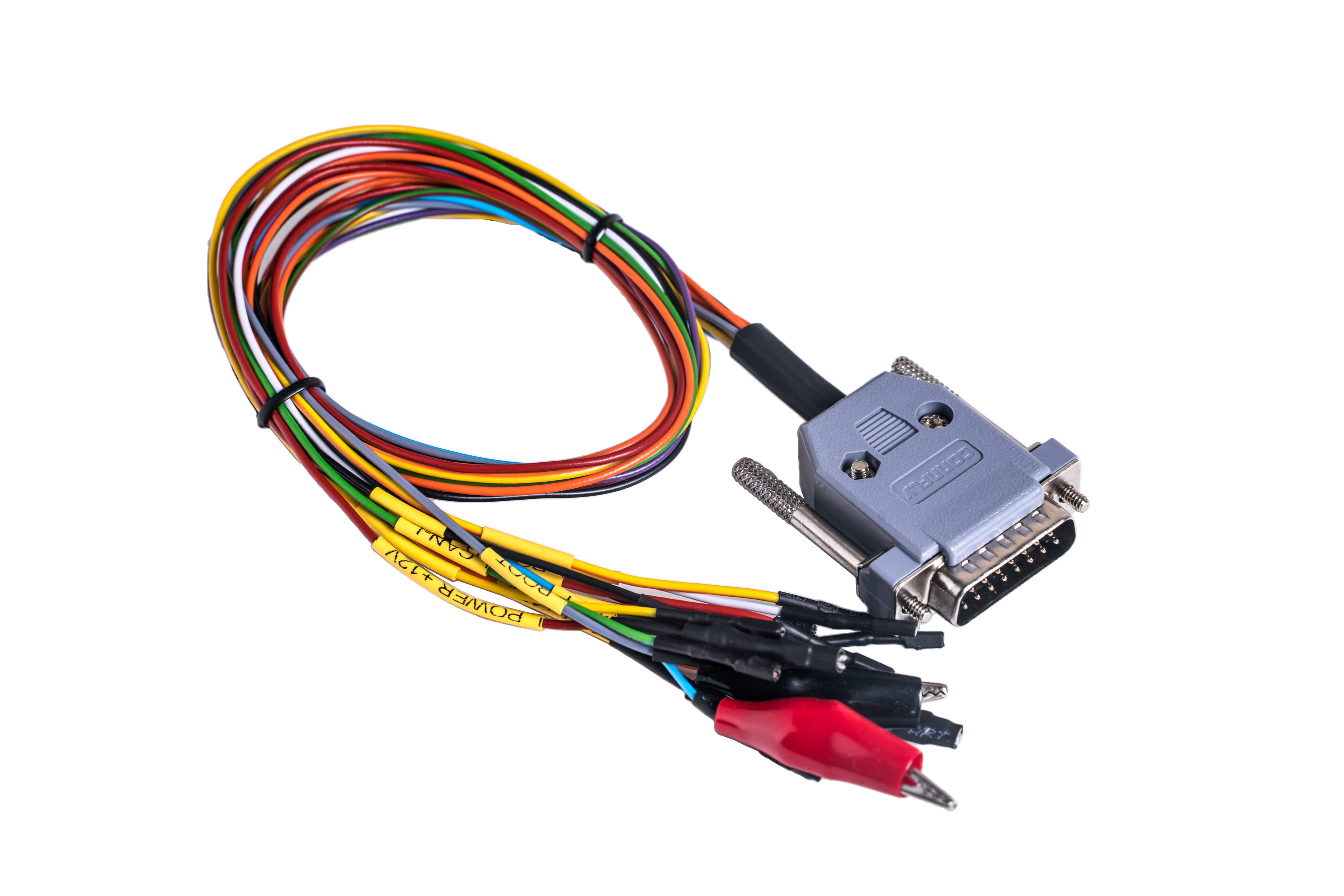
A cable to connect to DSG DL501. Compatible with PCMflash Module 58.
A cable to connect to DSG DL501. Compatible with PCMflash Module 58.
A cable to connect to DSG DQ200. Compatible with PCMflash Module 58.
A cable to connect to DSG DQ200. Compatible with PCMflash Module 58.
A cable to connect to DSG DQ250. Compatible with PCMflash Module 58.
A cable to connect to DSG DQ250. Compatible with PCMflash Module 58.
A cable to connect to DSG DQ500. Compatible with PCMflash Module 58.
A cable to connect to DSG DQ500. Compatible with PCMflash Module 58.
A cable to connect to VL300. Compatible with PCMflash Module 58.
A cable to connect to VL300. Compatible with PCMflash Module 58.
A cable to connect to VL381. Compatible with PCMflash Module 58.
A cable to connect to VL381. Compatible with PCMflash Module 58.
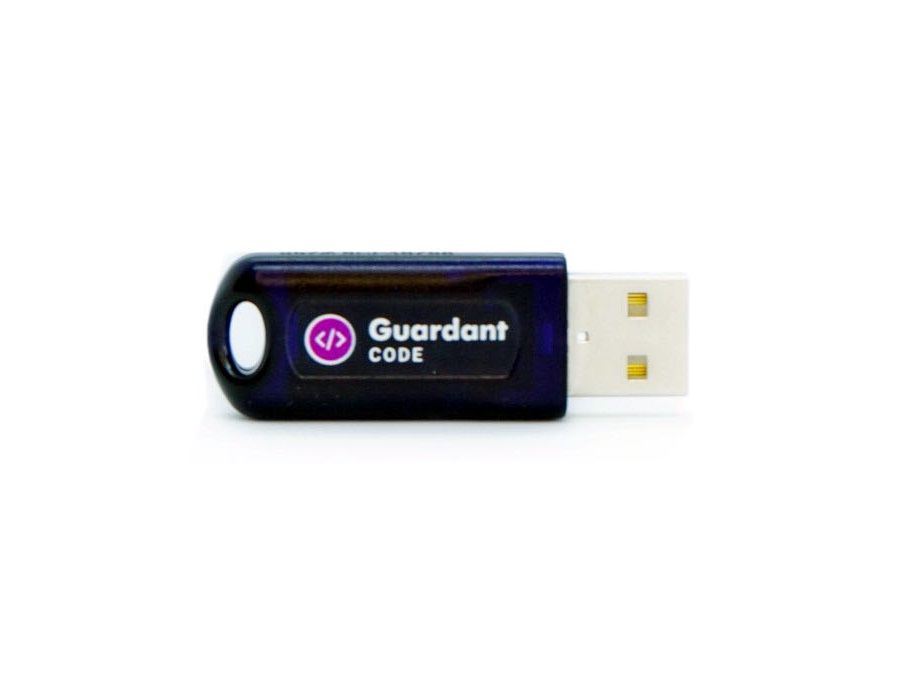 PCMflash
You need both the dongle (basic equipment) and at least one module at the initial purchase. The modules will not work without a dongle.
The software is marketed on a module basis and has simple and clear interface. The Guardant dongle is used for the protection from unauthorized access. It supports flashing both backup (vbf) and binary (bin) files. When flashing binary files checksum verification and correction is available for most of the modules. Conversion from VBF/GDS into BIN is supported if the ECU doesn’t support reading. Most modules support checksum verification and correction as well as VID transfer (if needed) while flashing binary files.
The USB dongle needs to be linked to a PC. The authorization process is automatic and requires Internet connection at the first attempt to work with an ECU. The dongle can be used on several computers.
Technical support is porvided by the developer directly.
Attention! In case of the dongle loss, the module transfer is not possible. You have to buy a dongle and software again.
We do not provide pinouts.
NB! Modules are activated from 10 am to 6 pm GMT+3 on work days.
Modules may not be activated at weekends and on public holidays. Please plan your work and purchases accordingly.
Please note the modules cannot be deactivated. If you provide the wrong dongle number, no refund will be possible.
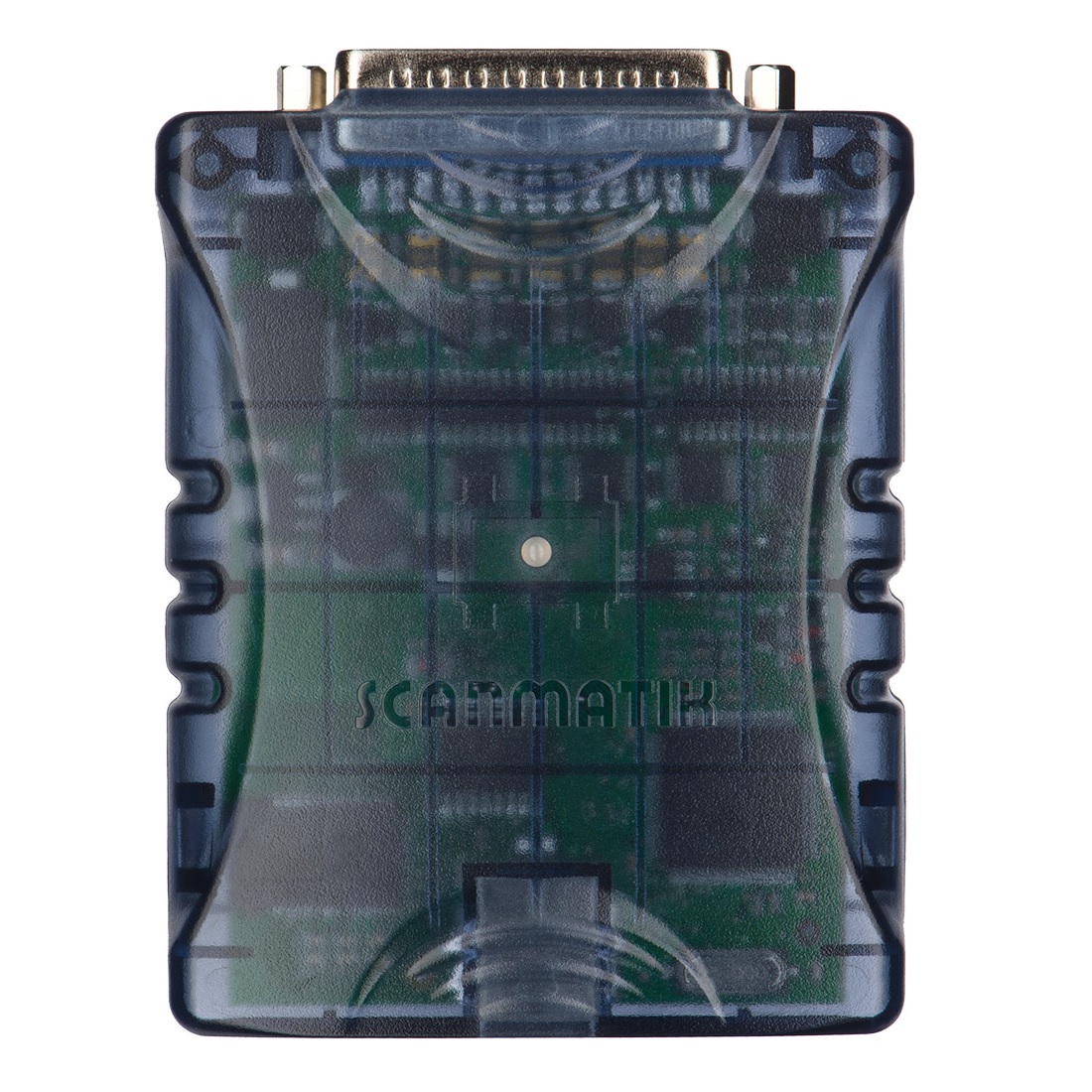 Scanmatik 2 PRO
Scanmatik 2 PRO is a professional multibrand scanner designed for diagnostics of electronic control systems of American, European, Japanese and Russian vehicles. It can be used as a J2534 device with a large number of diagnostic programs and flashers made for standard interfaces SAE J2534 and RP1210.
New features of Scanmatik 2 PRO:
The widest support of J2534-1/2 standards:
For full support of peripheral units on GM (GDS2) and VAZ/Renault cars:
Description
The device works with a personal computer, tablet or smartphone. The software for Windows and Android are included in the package. When installing the driver (included) works with third-party software made for SAE J2534 and RP1210 standards. To connect to the adapter both USB and Bluetooth interfaces can be used (built into the Scanmatik 2 PRO adapter). The kit includes the full current version of the program (all currently available software modules): VAZ, GAZ, UAZ, Oka, ZAZ, Daewoo, Chevrolet, Ravon, Chery, BYD, Geely, Great Wall, Lifan, Mitsubishi, Kia, Hyundai, Izh, KAMAZ, MAZ, PAZ, OBD2. It works with a large number of diagnostic programs and flashers made for standard interfaces SAE J2534 and RP1210.
SM2-PRO Adapter Specifications